How to use AssemblyAI with C#
Use AssemblyAI's Voice AI models from C# with the built-in HttpClient — transcribe files, stream audio in real time over WebSocket, apply LLMs with LLM Gateway, and analyze sentiment.


Learn how to use AssemblyAI's Voice AI models directly with C# using the built-in HttpClient. Transcribe audio, analyze audio using audio intelligence models, and apply LLMs to your audio data using LLM Gateway.
1. Transcribe an audio file
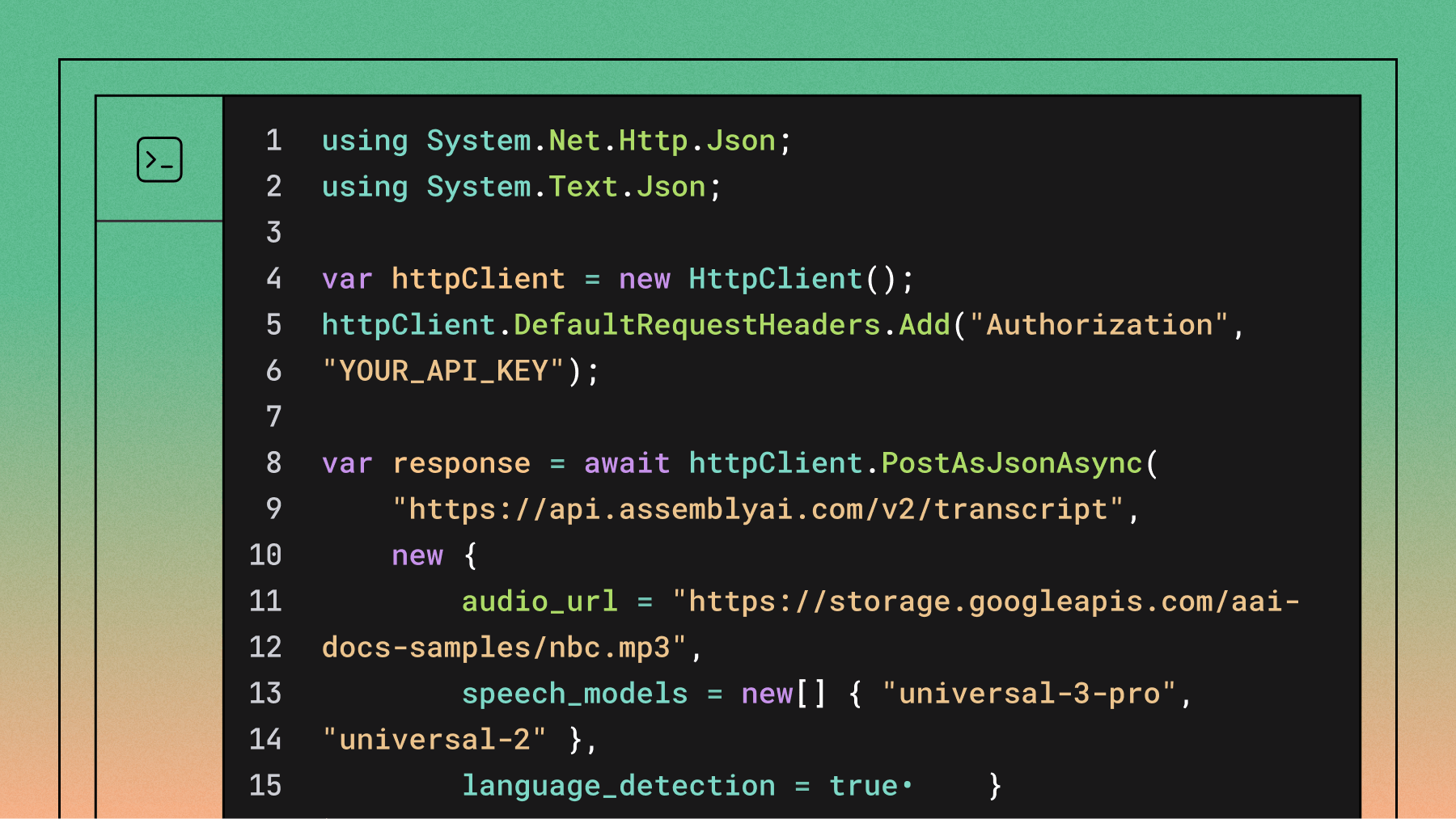
using System.Net.Http.Json;
using System.Text.Json;

var httpClient = new HttpClient();
httpClient.DefaultRequestHeaders.Add("Authorization", "YOUR_API_KEY");

// Submit transcription request
var response = await httpClient.PostAsJsonAsync(
    "https://api.assemblyai.com/v2/transcript",
    new {
        audio_url = "https://storage.googleapis.com/aai-docs-samples/nbc.mp3",
        speech_models = new[] { "universal-3-pro", "universal-2" },
        language_detection = true
    }
);
var transcript = await response.Content.ReadFromJsonAsync<JsonElement>();
var transcriptId = transcript.GetProperty("id").GetString();

// Poll until completed
while (true)
{
    var result = await httpClient.GetFromJsonAsync<JsonElement>(
        $"https://api.assemblyai.com/v2/transcript/{transcriptId}"
    );
    var status = result.GetProperty("status").GetString();

    if (status == "completed")
    {
        Console.WriteLine(result.GetProperty("text").GetString());
        break;
    }
    else if (status == "error")
    {
        Console.WriteLine("Transcription failed");
        break;
    }

    await Task.Delay(3000);
}
You can also transcribe a local file, as shown here.
using System.Net.Http.Json;
using System.Text.Json;

var httpClient = new HttpClient();
httpClient.DefaultRequestHeaders.Add("Authorization", "YOUR_API_KEY");

// Step 1: Upload the file
var fileContent = new ByteArrayContent(await File.ReadAllBytesAsync("./audio.mp3"));
var uploadResponse = await httpClient.PostAsync(
    "https://api.assemblyai.com/v2/upload",
    fileContent
);
var uploadResult = await uploadResponse.Content.ReadFromJsonAsync<JsonElement>();
var uploadUrl = uploadResult.GetProperty("upload_url").GetString();

// Step 2: Submit transcription with upload URL
var response = await httpClient.PostAsJsonAsync(
    "https://api.assemblyai.com/v2/transcript",
    new {
        audio_url = uploadUrl,
        speech_models = new[] { "universal-3-pro", "universal-2" },
        language_detection = true
    }
);
var transcript = await response.Content.ReadFromJsonAsync<JsonElement>();
var transcriptId = transcript.GetProperty("id").GetString();

// Step 3: Poll until completed
while (true)
{
    var result = await httpClient.GetFromJsonAsync<JsonElement>(
        $"https://api.assemblyai.com/v2/transcript/{transcriptId}"
    );
    var status = result.GetProperty("status").GetString();

    if (status == "completed")
    {
        Console.WriteLine(result.GetProperty("text").GetString());
        break;
    }
    else if (status == "error")
    {
        Console.WriteLine("Transcription failed");
        break;
    }

    await Task.Delay(3000);
}
2. Transcribe audio in real-time using Streaming Speech-to-Text
using System.Net.WebSockets;
using System.Text;
using System.Text.Json;

var ws = new ClientWebSocket();
ws.Options.SetRequestHeader("Authorization", "YOUR_API_KEY");

await ws.ConnectAsync(
    new Uri("wss://streaming.assemblyai.com/v3/ws?sample_rate=16000&format_turns=true"),
    CancellationToken.None
);

// Receive transcripts in background
_ = Task.Run(async () =>
{
    var buffer = new byte[8192];
    while (ws.State == WebSocketState.Open)
    {
        var result = await ws.ReceiveAsync(buffer, CancellationToken.None);
        var message = JsonDocument.Parse(Encoding.UTF8.GetString(buffer, 0, result.Count));
        var messageType = message.RootElement.GetProperty("type").GetString();

        if (messageType == "Begin")
        {
            Console.WriteLine($"Session started: {message.RootElement.GetProperty("id")}");
        }
        else if (messageType == "Turn")
        {
            var transcript = message.RootElement.GetProperty("transcript").GetString();
            var endOfTurn = message.RootElement.GetProperty("end_of_turn").GetBoolean();

            if (endOfTurn)
                Console.WriteLine($"Final: {transcript}");
            else
                Console.WriteLine($"Partial: {transcript}");
        }
        else if (messageType == "Termination")
        {
            Console.WriteLine($"Session terminated after {message.RootElement.GetProperty("audio_duration_seconds")} seconds of audio");
        }
    }
});

// Pseudocode for getting audio from a microphone
// Send raw PCM16 audio as binary WebSocket frames (50 ms chunks recommended)
GetAudio(async (byte[] chunk) =>
{
    await ws.SendAsync(chunk, WebSocketMessageType.Binary, true, CancellationToken.None);
});

// Close connection
var terminateMessage = JsonSerializer.Serialize(new { type = "Terminate" });
await ws.SendAsync(Encoding.UTF8.GetBytes(terminateMessage), WebSocketMessageType.Text, true, CancellationToken.None);
await ws.CloseAsync(WebSocketCloseStatus.NormalClosure, "Done", CancellationToken.None);
3. Use LLM Gateway to build LLM apps on voice data
using System.Net.Http.Json;
using System.Text.Json;

var httpClient = new HttpClient();
httpClient.DefaultRequestHeaders.Add("Authorization", "YOUR_API_KEY");

// Use transcript text from a previous transcription
var transcriptText = "Your transcript text here...";

var response = await httpClient.PostAsJsonAsync(
    "https://llm-gateway.assemblyai.com/v1/chat/completions",
    new
    {
        model = "claude-sonnet-4-5-20250929",
        messages = new[]
        {
            new { role = "user", content = $"Provide a brief summary of the transcript.\n\nTranscript: {transcriptText}" }
        },
        max_tokens = 1000
    }
);

var result = await response.Content.ReadFromJsonAsync<JsonElement>();
var content = result
    .GetProperty("choices")[0]
    .GetProperty("message")
    .GetProperty("content")
    .GetString();

Console.WriteLine(content);
Learn how to use LLMs with audio data using LLM Gateway in our docs.
4. Use Speech Understanding models
using System.Net.Http.Json;
using System.Text.Json;

var httpClient = new HttpClient();
httpClient.DefaultRequestHeaders.Add("Authorization", "YOUR_API_KEY");

// Submit with sentiment_analysis enabled
var response = await httpClient.PostAsJsonAsync(
    "https://api.assemblyai.com/v2/transcript",
    new
    {
        audio_url = "https://storage.googleapis.com/aai-docs-samples/nbc.mp3",
        sentiment_analysis = true
    }
);
var transcript = await response.Content.ReadFromJsonAsync<JsonElement>();
var transcriptId = transcript.GetProperty("id").GetString();

// Poll until completed
JsonElement result;
while (true)
{
    result = await httpClient.GetFromJsonAsync<JsonElement>(
        $"https://api.assemblyai.com/v2/transcript/{transcriptId}"
    );
    var status = result.GetProperty("status").GetString();

    if (status == "completed") break;
    if (status == "error") { Console.WriteLine("Failed"); return; }

    await Task.Delay(3000);
}

// Print sentiment results
foreach (var item in result.GetProperty("sentiment_analysis_results").EnumerateArray())
{
    Console.WriteLine(item.GetProperty("text").GetString());
    Console.WriteLine(item.GetProperty("sentiment").GetString()); // POSITIVE, NEUTRAL, or NEGATIVE
    Console.WriteLine(item.GetProperty("confidence").GetDouble());
    Console.WriteLine($"Timestamp: {item.GetProperty("start")} - {item.GetProperty("end")}");
}
Learn more about our Speech Understanding models in our docs.
Frequently asked questions
Should I use System.Speech or a cloud speech-to-text API in C#?
Use a cloud API for anything beyond simple Windows desktop command recognition. System.Speech.Recognition runs in-process on the Microsoft Speech API and is Windows-only — the NuGet package states plainly that it is not supported on other platforms — and its accuracy on natural conversational audio is far behind current models. A cloud API is a plain HTTP call from any .NET target and gives you punctuation, speaker labels, and modern accuracy without shipping a recognition engine.
Does C# speech-to-text work on Linux and macOS?
Yes, if you call a cloud API rather than a Windows-native library. The code in this guide uses HttpClient and ClientWebSocket from the .NET base class library, both fully cross-platform, so the same project runs on Linux containers, macOS, and Windows unchanged. The platform limitation people run into comes from System.Speech, which is Windows-only — nothing about .NET itself restricts speech-to-text to Windows.
Do I need a NuGet package to use a speech-to-text API in C#?
No. AssemblyAI's API is plain HTTP and WebSocket, so System.Net.Http.Json and System.Net.WebSockets in the base class library are enough — you POST to https://api.assemblyai.com/v2/transcript with your key in the Authorization header and read the JSON response, exactly as shown above. AssemblyAI also publishes a .NET SDK if you'd rather have typed request and response models and less boilerplate; the no-dependency path shown here is useful when you want to see the API surface directly or minimize your dependency tree.
How do I transcribe audio in real time in C#?
Open a ClientWebSocket to wss://streaming.assemblyai.com/v3/ws, set your API key with Options.SetRequestHeader("Authorization", ...), and send raw PCM16 mono audio at 16kHz as binary frames in roughly 50ms chunks. Messages come back as JSON with a type of Begin, Turn, or Termination — each Turn carries the running transcript and an end_of_turn flag telling you when the speaker finished. Send {"type": "Terminate"} before closing the socket, since streaming sessions bill by connection duration.
Are transcripts returned immediately, or do I need to poll?
Transcription is asynchronous: submitting returns a transcript ID right away, and the transcript is ready a short time later. The examples here poll GET /v2/transcript/{id} with await Task.Delay(3000) until status is completed, which is the simplest thing that works. For production, pass a webhook_url on submit and AssemblyAI POSTs to your endpoint when processing finishes — no polling loop, no idle tasks.
Is there a free C# speech-to-text API?
System.Speech is free and built into Windows, but it's Windows-only and its accuracy on real-world audio doesn't hold up for production use. Cloud providers including AssemblyAI offer free credits rather than a permanently free tier, which is enough to build and test a full integration before paying anything. Self-hosted open-source models are the genuinely free option, but you take on GPU cost, deployment, and maintenance in exchange.
Lorem ipsum dolor sit amet, consectetur adipiscing elit, sed do eiusmod tempor incididunt ut labore et dolore magna aliqua. Ut enim ad minim veniam, quis nostrud exercitation ullamco laboris nisi ut aliquip ex ea commodo consequat. Duis aute irure dolor in reprehenderit in voluptate velit esse cillum dolore eu fugiat nulla pariatur.
Related posts