Vapi voice agent with AssemblyAI Universal-3.5 Pro Realtime
Use AssemblyAI Universal-3.5 Pro realtime as the speech-to-text engine inside your Vapi voice agent — and get punctuation-based turn detection, keyterm prompting, and 307ms P50 latency inside Vapi's managed voice platform.



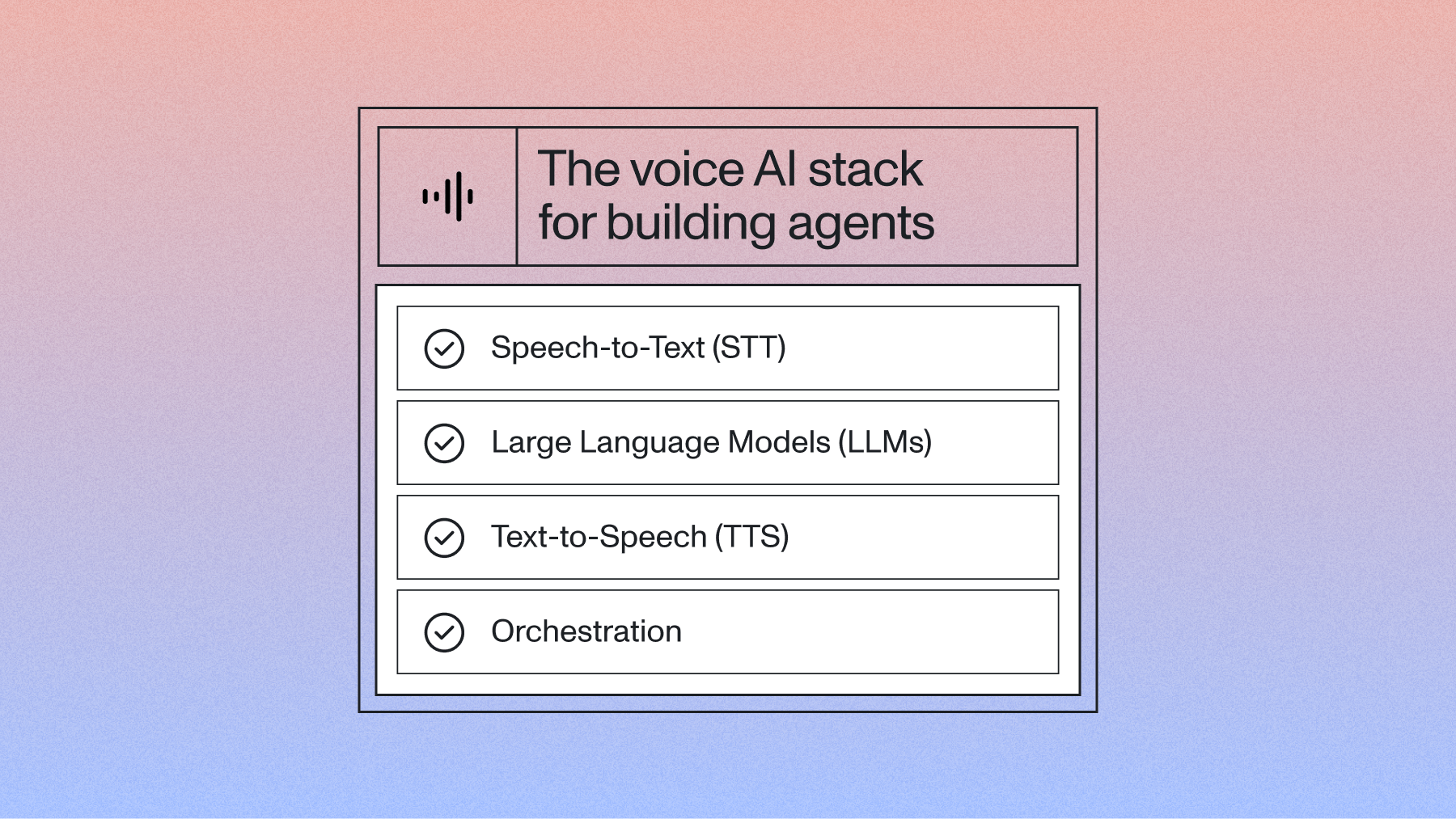
Vapi is one of the fastest ways to get a voice agent onto a real phone number. It handles telephony, turn-taking, and orchestration, and it supports 14+ speech-to-text providers, so the piece you actually choose is which model does the listening.
That choice matters more than the other two. Your LLM can only reason about the text it receives, and your TTS can only read back what the LLM wrote. Get a phone number wrong at the transcriber and the whole turn is wrong—confidently, fluently wrong.
This guide walks through wiring AssemblyAI's Universal-3.5 Pro Realtime into a Vapi assistant, from dashboard clicks to a working outbound test call. You bring your AssemblyAI key. Vapi handles the rest.
Why Universal-3.5 Pro Realtime for a Vapi voice agent?
Universal-3.5 Pro Realtime is our flagship streaming model, released June 23, 2026, and it's the speech foundation under our own Voice Agent API.
The number that matters for agents: 6.99% pooled word error rate on Pipecat's open STT benchmark, which is built from real agent conversations rather than audiobook reads. Deepgram Flux posts 15.58% on the same set. ElevenLabs Scribe v2 posts 9.76%. Google Chirp3 posts 9.04%.
But pooled WER undersells the gap, because a voice agent doesn't fail on filler words. It fails on the account number.
Half of Flux's entities come back wrong. That's the difference between an agent that confirms a callback number and one that reads a wrong number back to the caller and then books against it. We've written about why a single WER figure hides this—entity accuracy is the metric voice agent builders should be reading.
Setup: add AssemblyAI to Vapi
Three steps. The dashboard path takes about two minutes; the API path is what you'll actually check into source control.
Step 1—Add your API key
Head to dashboard.vapi.ai, then Settings → Transcriber Providers, and paste in your AssemblyAI API key. If you don't have one yet, grab a free key—there's no minimum and no commitment.
Vapi stores the key on your account, so every assistant you create afterward can use it without re-entering anything.
Step 2—Create an assistant (dashboard)
Click Create Assistant. Under Transcriber, choose Assembly AI. Under Model, choose universal-3-5-pro.
Save, then hit the web call button to test it in the browser. You should have a talking agent inside of five minutes.
Step 3—Create an assistant (API)
The dashboard is fine for a first look. For anything you plan to ship, define the assistant in code:
python create_assistant.py createThat script posts an assistant definition whose transcriber block looks like this:
{
  "transcriber": {
    "provider": "assembly-ai",
    "speechModel": "universal-3-5-pro",
    "language": "en",
    "keytermsPrompt": ["YourBrand", "SpecialTerm"],
    "confidenceThreshold": 0.4
  }
}
Five keys, and only two of them are required. provider and speechModel get you a working transcriber. language accepts only en or multi, so pass languageCodes instead when you need any other language. keytermsPrompt is the accuracy lever we'll come back to in a moment. confidenceThreshold sets the floor below which Vapi discards a transcript fragment rather than passing it to your LLM—raise it if your agent keeps reacting to background chatter, lower it if it's ignoring quiet callers.
Quick start
If you'd rather start from something that already runs, clone the reference repo:
git clone https://github.com/kelsey-aai/voice-agent-vapi-assemblyai
cd voice-agent-vapi-assemblyai
pip install -r requirements.txt
cp .env.example .env
Open .env and fill in your Vapi and AssemblyAI keys. Then create the assistant and place a real outbound call:
python create_assistant.py create
python create_assistant.py call --assistant-id <id> --phone +1XXXXXXXXXX
To handle Vapi's webhooks—call events, tool calls, end-of-call reports—run the included server:
uvicorn webhook_server:app --port 8000Point Vapi's server URL at that endpoint (through a tunnel in development) and you've got the full loop: phone call in, transcript to LLM, tool call out, audio back.
Keyterm prompting
This is the single biggest accuracy lever you have inside Vapi, and it's included in the base rate rather than billed as an add-on.
Keyterms prime the model for vocabulary it would otherwise have to guess at—product names, drug names, plan tiers, the fifteen ways your customers pronounce your company. You get up to 100 keyterms, each up to 50 characters:
{
  "transcriber": {
    "provider": "assembly-ai",
    "speechModel": "universal-3-5-pro",
    "language": "en",
    "keytermsPrompt": [
      "hemoglobin A1c",
      "Jardiance",
      "deductible",
      "prior authorization"
    ]
  }
}
Changes take effect on the next call. No assistant restart, no redeploy.
The mistake teams make here is loading the list with common English words. Don't. Spend the 100 slots on the terms a general-purpose model has genuinely never seen in your context: SKUs, clinician names, internal system names, the branded plan your support line gets asked about forty times a day. If you're working with clinical audio, Medical Mode is the heavier tool—it cuts missed entity rate on drugs, conditions, and procedures by roughly 20%.
Give the model your agent's question
Here's the part most orchestrated stacks leave on the table.
A voice agent already knows what it just asked. When your agent says "and what's the best email to reach you at?", the reply is going to be a string of letters, and a transcriber that knows the question coming in resolves that string very differently than one hearing it cold.
Universal-3.5 Pro Realtime takes that question as input through agent_context. Across a benchmark of 20,000 voice agent audio files, passing agent context cut WER by 10.2%—with fabrications down 18.3%, hallucinations down 17.2%, place-name entities down 15.5%, and errors on short one-or-two-word utterances down 13.7%. Short confirmations are exactly where cold transcription falls apart, and exactly what a voice agent asks for most.
The model also keeps a short rolling conversation memory—we call it Context Carryover—and it's on by default. A caller who spells their name in turn three and refers back to it in turn nine gets the same spelling both times.
Both of these are model-level features on the streaming API. Whether Vapi surfaces agent_context in its transcriber block is worth checking against Vapi's provider docs before you build around it—if it doesn't, this is one of the concrete reasons teams eventually move the speech layer closer to their own code.
Tuning for noisy rooms and drive-thrus
Two more knobs on the model, both aimed at audio that isn't a clean headset.
voice_focus isolates the primary speaker and suppresses background speech and noise. Use near-field for headsets and phone handsets, far-field for rooms, kiosks, and drive-thrus where the mic is a meter or more away and there are other voices in the room.
And instead of a pile of low-level flags, the model exposes three modes: min_latency when you want the fastest possible turn, balanced (the default, and the right answer for most agents), and max_accuracy for noisy or far-field audio where you'd trade a little speed for a correct address.
End-of-turn detection reads the transcript itself rather than just waiting out silence, at roughly 300ms. That's what stops an agent from cutting off a caller mid-thought when they pause to check a bill, and it's the behavior that makes interruption handling feel human instead of mechanical.
Supported languages
Universal-3.5 Pro Realtime covers 18 languages with native mid-sentence code-switching—including Hinglish, which trips up almost everything else:
English, Spanish, French, German, Italian, Portuguese, Arabic, Danish, Dutch, Hebrew, Hindi, Japanese, Mandarin, Vietnamese, Finnish, Norwegian, Swedish, and Turkish.
Code-switching is built into the model, not bolted on as a second pass, so a caller who starts a sentence in Spanish and finishes it in English comes back transcribed in both—not flattened into whichever language the detector guessed first.
If you know the language in advance, pin it:
{
  "transcriber": {
    "provider": "assembly-ai",
    "speechModel": "universal-3-5-pro",
    "languageCodes": ["es"]
  }
}
Leave languageCodes off when your line genuinely takes calls in more than one.
When to choose AssemblyAI over Deepgram in Vapi
Vapi lets you swap transcribers per assistant, which makes this a cheap experiment. Here's how we'd read the tradeoff:
That last row is the honest one. If your callers speak a language the Universal Pro line doesn't cover yet, run the comparison—don't take our word for it.
What this costs
Universal-3.5 Pro Realtime is $0.45/hr base, billed on session duration rather than audio duration, with no minimum and no concurrency cap. Keyterm prompting, agent_context, and rolling conversation memory are included at that price.
Optional add-ons stack only if you turn them on: speaker diarization with revision +$0.12/hr, general prompting +$0.05/hr, voice isolation +$0.10/hr, Medical Mode +$0.15/hr.
Vapi's platform fee and your LLM and TTS providers bill separately—that's the tradeoff of assembling a stack. Full breakdown is on the pricing page.
When you'd skip the orchestrator entirely
Worth saying plainly, because it's a real fork in the road and not every project lands on the same side of it.
Vapi is the right call when you want telephony, a visual builder, a workflow layer, and a large integration catalog handed to you—and when the ability to swap any component later is worth managing three vendors now. That's a lot of teams, and it's why this tutorial exists.
The other shape is a single WebSocket that carries STT, LLM, and TTS on one connection, one bill, and one set of logs: our Voice Agent API, flat $4.50/hr, ~1s end-to-end, no SDK required. You give up the visual builder and the integration catalog. You get one place to debug. If you've hit the point where your stack's seams are the thing slowing you down, that's the signal.
Both run on the same speech model, so this isn't a choice about accuracy. It's a choice about how much of the pipeline you want to own.
Resources
- Vapi's AssemblyAI transcriber provider docs at docs.vapi.ai—the authoritative list of keys the transcriber block accepts (editor: relink to the exact provider page and API reference URLs the April post used; see open questions)
- Vapi API reference—assistant creation, webhooks, call control
- AssemblyAI streaming docs—the direct API, if you outgrow the orchestrator
- Universal-3.5 Pro Realtime release notes
- Vapi vs Pipecat vs LiveKit—if you're still choosing an orchestrator
Wrapping up
Most voice agent debugging sessions start in the wrong place. Something went wrong on a call, and the first instinct is to open the system prompt, because the prompt is the part you wrote and the part you understand.
But the transcriber is the only component in the stack whose errors are unrecoverable. A weak LLM response can be fixed with a better prompt. A robotic voice can be swapped in an afternoon. A misheard account number is gone—nothing downstream can reconstruct what the caller actually said, and every layer after it works confidently from the wrong input. That's why an entity error rate of 15.31% versus 50.50% shows up in your support tickets and not in your latency dashboards.
Pick the transcriber first. Everything else in a Vapi assistant is genuinely swappable later.
Frequently asked questions
What is the best transcriber for a Vapi voice agent?
AssemblyAI's Universal-3.5 Pro Realtime posts the lowest error rate of the major streaming models on Pipecat's open STT benchmark—6.99% pooled WER and a 15.31% entity error rate, against 15.58% and 50.50% for Deepgram Flux. For voice agents the entity number is the one to read, because agents fail on account numbers and email addresses, not on filler words. Keyterm prompting and rolling conversation memory are included at the base rate.
How do I use AssemblyAI in Vapi?
Add your AssemblyAI API key under Settings → Transcriber Providers in the Vapi dashboard, then select Assembly AI as the transcriber on your assistant and set the model to universal-3-5-pro. In the API, that's a transcriber block with "provider": "assembly-ai" and "speechModel": "universal-3-5-pro". Add keytermsPrompt for domain vocabulary and languageCodes if you know which languages to expect.
AssemblyAI vs Deepgram in Vapi—which should I use?
Choose AssemblyAI when accuracy on real conversations matters, which is most production agents: it more than halves Deepgram Flux's word error rate on Pipecat's benchmark and cuts entity errors by roughly two-thirds. Deepgram is worth comparing if you need a language the Universal Pro line doesn't cover yet. Vapi lets you swap transcribers per assistant, so run both on your own recorded calls before committing.
Does Vapi support AssemblyAI's Universal-3.5 Pro Realtime model?
Yes. Select Assembly AI as your transcriber and set the model to universal-3-5-pro. If you have an older assistant configured with u3-rt-pro, it's already routing to Universal-3.5 Pro Realtime as of August 7, 2026, but you should update the string—the old identifier stops being accepted around September 25, 2026.
How much does a Vapi voice agent with AssemblyAI cost?
Transcription is $0.45/hr base for Universal-3.5 Pro Realtime, billed per second on session duration with no minimum and no concurrency limit, and keyterm prompting is included. Optional add-ons stack only when enabled—diarization +$0.12/hr, prompting +$0.05/hr, voice isolation +$0.10/hr, Medical Mode +$0.15/hr. Vapi's platform fee and your LLM and TTS providers bill separately.
How do I migrate an existing Vapi assistant off u3-rt-pro?
Change the key and the value: "model": "u3-rt-pro" becomes "speechModel": "universal-3-5-pro" in your assistant's transcriber block, either in the dashboard's Model dropdown or in whatever script creates the assistant. There's no other migration work—keyterms, language codes, and confidence thresholds carry over unchanged, and you pick up 18-language code-switching and agent_context support at the same base price.
Can a Vapi agent handle callers who switch languages mid-sentence?
Yes, if the transcriber does. Universal-3.5 Pro Realtime handles code-switching natively across 18 languages, including Hinglish, so a sentence that starts in one language and ends in another comes back transcribed correctly rather than flattened into a single guessed language. Leave the language key off your transcriber block when your line genuinely takes multilingual calls; set it when you know the language in advance and want the model to commit.
Lorem ipsum dolor sit amet, consectetur adipiscing elit, sed do eiusmod tempor incididunt ut labore et dolore magna aliqua. Ut enim ad minim veniam, quis nostrud exercitation ullamco laboris nisi ut aliquip ex ea commodo consequat. Duis aute irure dolor in reprehenderit in voluptate velit esse cillum dolore eu fugiat nulla pariatur.
Related posts