What is real-time speech to text?
Real-time speech to text converts spoken words into accurate text instantly for live captions, meeting transcription, and voice commands as you speak.


Say a sentence out loud and watch it appear on screen, word by word, before you've even finished talking. That's real-time speech-to-text, and the gap between "I spoke" and "the text exists" is now routinely under 300 milliseconds. Fast enough that a live caption track feels synced to the speaker's lips, fast enough that a voice agent can answer before an awkward pause creeps in.
The thing is, a lot of developers reach for real-time transcription when they don't actually need it—and pay for the complexity. Others avoid it when it's the only thing that'll make their product feel alive. So before you wire up a WebSocket, it's worth understanding what streaming recognition really does under the hood, where it beats batch processing, and where it quietly loses.
This is the explainer I wish I'd had when I first built a live captioning prototype and couldn't figure out why my transcripts kept rewriting themselves mid-sentence.
Real-time vs. batch: the same model, two very different jobs
Batch transcription—sometimes called asynchronous or pre-recorded transcription—takes a complete audio file, processes it end to end, and hands you back a finished transcript. The model gets to see the whole recording, so it can use context from later in the audio to fix earlier mistakes. That's why batch speech-to-text almost always posts the lowest word error rate.
Real-time, or streaming, transcription is a different beast. Audio arrives in tiny chunks—usually 50 to 250 milliseconds each—and the model has to commit to a guess immediately, before it knows what comes next. It can't peek at the future. It returns partial results that update as more audio flows in, then finalizes a segment once it's confident the speaker has paused or moved on.
So the trade-off is fundamental, not just a config flag. Batch optimizes for accuracy with the luxury of full context. Streaming optimizes for latency and accepts that early guesses might get revised.
Here's how the two stack up across the dimensions that actually matter when you're choosing:
If your audio already exists as a file, you almost certainly want batch. If text needs to appear while someone is still talking, you want streaming. That one question answers most architecture debates.
How streaming recognition actually works
There's a pipeline behind every live caption, and each stage shapes the latency and accuracy you'll see. Let's walk it.
1. Audio capture and framing
Everything starts with the microphone. A browser, phone, or telephony bridge captures raw audio and slices it into small frames. AssemblyAI's streaming speech-to-text expects 16kHz mono PCM—16,000 samples per second, one channel, uncompressed. That sample rate is the sweet spot for speech: high enough to capture the frequencies that distinguish "fifteen" from "fifty," low enough to keep bandwidth sane.
You open a WebSocket to wss://streaming.assemblyai.com/v3/ws, then push those frames as they're recorded. The connection stays open for the whole session, which is what makes the round-trip so fast—no per-request handshake tax.
2. The acoustic model and partial results
As frames arrive, the model converts the acoustic signal into candidate words. Because it can't see the future, it emits partial (or "unformatted") results—its best guess so far. These update constantly. You might see "I want to go to the" then "I want to go to the store," each refining the last.
This is the behavior that confuses first-timers. Your transcript appears to rewrite itself. That's not a bug—it's the model gaining confidence as more context arrives. You render partials for responsiveness, then swap in the finalized text once it stabilizes.
3. Endpointing and turn detection
How does the system know when a speaker has finished a thought? That's endpointing, and it's harder than it sounds. A naive approach just waits for silence, but humans pause mid-sentence all the time. Get it wrong and you either cut people off or leave them hanging.
AssemblyAI's latest streaming model uses semantic turn detection—it weighs both the acoustic silence and whether the words so far form a complete thought. You can tune it with parameters like end_of_turn_confidence_threshold, min_end_of_turn_silence_when_confident, and max_turn_silence to match a fast-talking sales call or a deliberate dictation flow.
4. Speaker ID and timestamps
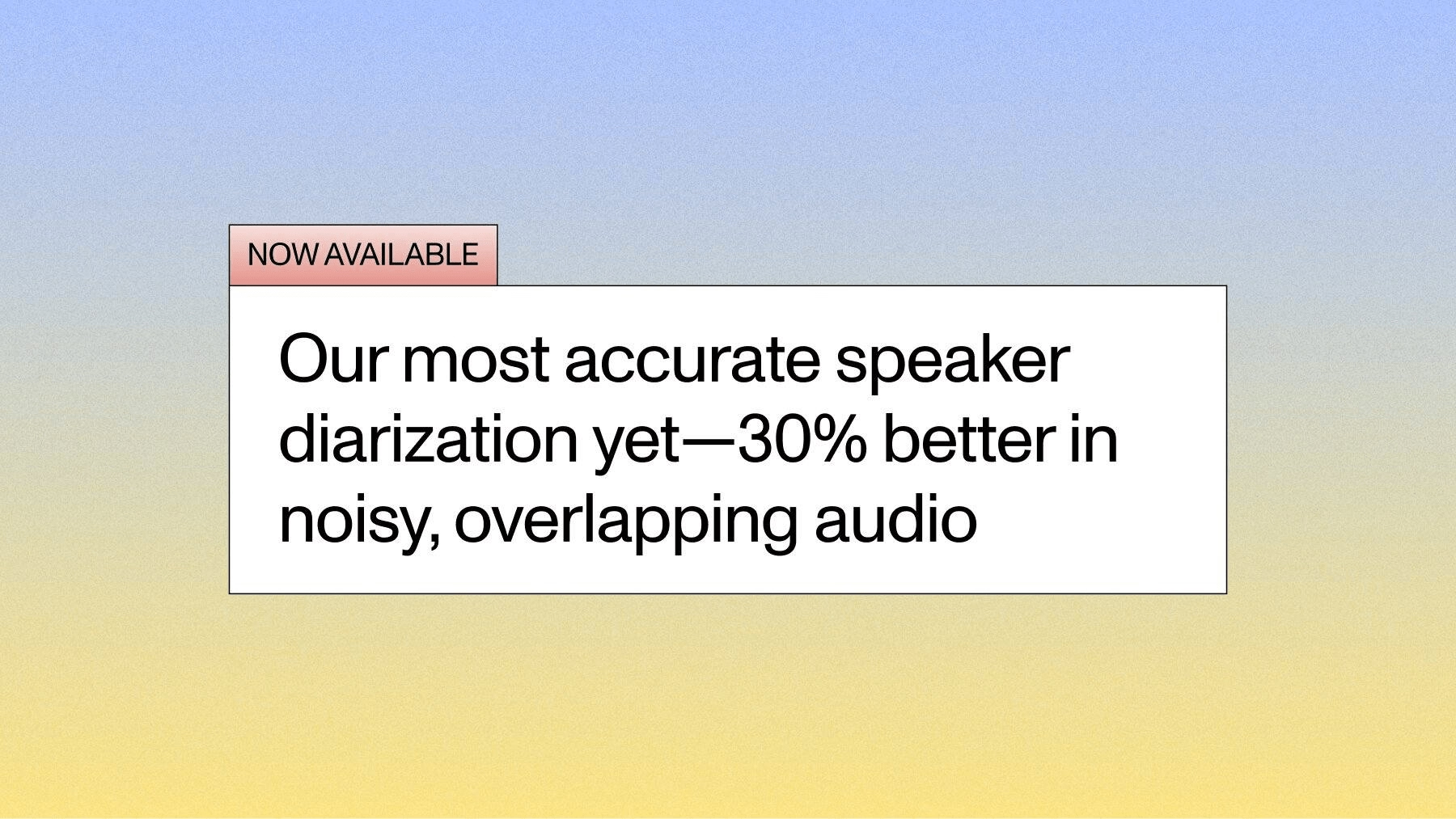
For multi-speaker audio, you'll want to know who said what and when. Real-time speaker diarization is available on the latest streaming model via speaker_labels, so a live meeting transcript can attribute lines to Speaker A and Speaker B as the conversation unfolds—not in a post-processing pass after the call ends.
Word-level timestamps come along for free. Every token carries a start and end time, which is what lets you sync captions to video frames or jump a media player to the exact moment someone said a keyword.
5. Keyterms and domain vocabulary
Generic models stumble on product names, drug names, and jargon. Keyterms prompting lets you feed the model a list of important words and phrases up front, biasing recognition toward them. If your app is about "Kubernetes" and "etcd," tell the model—your accuracy on those terms jumps without retraining anything.
How to evaluate accuracy and latency
Vendors love to quote a single word error rate number. Treat it with suspicion. WER is a blunt instrument that counts every substitution, insertion, and deletion equally—even ones a human reader wouldn't notice, like "OK" versus "okay." I've written before about why word error rate is broken as a standalone metric, and it matters even more in streaming.
Here's what to actually measure when you're evaluating a real-time provider:
- WER on your audio, not theirs. Run your real call recordings, your accents, your background noise. A model that wins on clean podcast audio can fall apart on a noisy contact-center line.
- Latency, end to end. Measure from the moment audio leaves your client to the moment finalized text comes back. Network hops count. A model with a fast inference time but a faraway region can still feel sluggish.
- Partial stability. How much do partials thrash before they settle? Jittery partials make captions feel broken even when the final text is perfect.
- Endpointing accuracy. Does it cut speakers off or wait too long? For voice agents this single factor makes or breaks the experience.
Run all four against your own data before you commit. A benchmark on someone else's audio tells you almost nothing about your production reality.
Where real-time transcription earns its keep
Streaming isn't a novelty—it's load-bearing infrastructure for a growing class of products. A few of the patterns I see most often:
Live captions and accessibility. Real-time captions for webinars, live events, and broadcasts. The latency budget here is generous-ish (a second or two is fine), but accuracy and readable formatting matter a lot.
Meeting transcription. Note-takers and meeting assistants that transcribe as the call happens, attribute speakers, and feed an LLM that summarizes in real time. Diarization is doing heavy lifting here.
Voice agents and assistants. This is the unforgiving one. A voice agent has to transcribe, think, and respond inside a window that feels natural—anything over a beat or two and the conversation dies. Tight endpointing and sub-300ms transcription are non-negotiable. There's a whole playbook on building AI voice agents if you're going down this road.
Contact centers. Live agent assist, real-time compliance monitoring, and sentiment tracking on calls in progress. The audio quality is often terrible, which raises the bar.
Voice-controlled interfaces and dictation. Medical scribes, in-car commands, hands-free data entry. Here, keyterms and domain vocabulary make or break usability.
If you want more inspiration, there's a solid roundup of ways streaming speech-to-text is being used across industries.
Can speech-to-text handle bad network conditions?
Real audio doesn't arrive in clean, evenly spaced frames. Packets drop. Jitter spikes. A mobile user walks into an elevator. A good streaming setup has to degrade gracefully instead of falling over.
A few things help. Buffer a small amount of audio client-side so a brief network hiccup doesn't starve the stream. Use a reliable transport—WebSockets over TLS handle reconnection far better than raw UDP for this use case. And lean on the model's endpointing rather than your own silence detection, since the model can distinguish a real pause from a dropped packet better than a naive timer can.
You also can't ignore the acoustics. Background noise, crosstalk, and cheap microphones hurt streaming more than batch because there's no second pass to recover. Capture the cleanest audio you reasonably can, and pick a model that's been trained on messy, real-world data—not just studio recordings.
Implementation options: two lanes to getting started
When you're ready to build, there are two fundamentally different paths. Pick based on how much of the stack you want to own.
Lane 1: full managed stack — Voice Agent API
If you're building a conversational voice experience—a phone agent, a voice assistant, an interactive IVR replacement—you probably don't want to stitch together speech-to-text, an LLM, and text-to-speech yourself, then babysit the latency between them. The Voice Agent API gives you a single WebSocket that handles speech-to-text, the LLM call, and text-to-speech in one cascading pipeline. It's flat-rate at $4.50/hr (see assemblyai.com/pricing), and it collapses three integrations into one. This is the fast lane when the goal is a working voice agent, not a custom architecture.
Lane 2: bring your own stack — the latest streaming model
If you already have an LLM, your own orchestration, or a use case that isn't conversational at all (live captions, meeting transcription, compliance monitoring), you want raw transcription you can wire into your own pipeline. That's AssemblyAI's latest streaming model, exposed through the streaming WebSocket. You control the audio capture, you decide what happens with the text, and you tune endpointing and keyterms to your domain. Value tiers start at $0.15/hr for Universal-Streaming English and Multilingual (see assemblyai.com/pricing), and the streaming getting-started guide walks you through your first connection.
Both lanes share the same underlying recognition quality. The choice is purely about how much you want to assemble yourself.
One operational warning that applies to both: streaming is billed per session duration—the entire time your connection stays open, not just when audio flows. If you forget to close a session, it'll auto-close after three hours and bill the whole window. These "zombie sessions" are the number-one cause of surprise streaming bills I hear about. Always terminate explicitly when you're done.
Picking the right model and tier
Not every streaming workload needs the same thing. Cost-sensitive, high-volume transcription—think captioning a 24/7 broadcast—pairs well with the value Universal-Streaming tiers at $0.15/hr. Latency-critical conversational work leans on AssemblyAI's latest streaming model, the current member of the Universal-3 family, with sub-300ms partials and semantic turn detection.
The model id you'll actually pass in code is u3-rt-pro, which points at the current streaming model. Full pricing across tiers and regions lives on the pricing page, and it's worth checking before you size a deployment—per-session streaming math is different from per-hour batch math.
A practical tip: prototype on the higher-accuracy model, measure your real WER and latency, then decide whether a cheaper tier holds up on your audio. Don't pre-optimize for cost on data you haven't tested.
Common mistakes that trip people up
A short list of things I've watched eat days of debugging time:
- Rendering only finalized text. Your UI feels laggy because you're waiting for finals. Render partials, then reconcile—that's the whole point of streaming.
- Wrong sample rate. Sending 44.1kHz audio to a 16kHz endpoint produces garbage. Resample on the client.
- Rolling your own endpointing. The model's turn detection is better than your silence timer. Use it.
- Never closing sessions. See the zombie-session warning above. This one costs real money.
- Benchmarking on clean audio. Your users aren't in a recording studio. Test on the worst audio you'll realistically see.
The bottom line on going real-time
Real-time speech-to-text used to be the part of a voice product you dreaded building. The accuracy lagged batch by a mile, the latency was brutal, and gluing together capture, transport, and recognition was a slog. That's no longer the gap it was. Streaming models now post accuracy close to batch on clean audio while returning text fast enough to feel instantaneous, and managed APIs have absorbed most of the integration pain.
What hasn't changed is the discipline. The teams that ship great real-time experiences are the ones that measure latency end to end, test on their own ugly audio, tune endpointing for their conversation style, and—please—close their sessions. Get those right and the technology mostly gets out of your way. Which, for infrastructure, is exactly what you want.
Frequently asked questions
What is the difference between real-time and batch transcription?
Real-time transcription processes audio as it arrives and returns text within milliseconds, while batch transcription processes a complete recording after the fact. Batch sees the full audio context, so it typically posts higher accuracy, but it can't produce text while someone is still speaking. Use real-time when text must appear live, and batch when you're transcribing existing files.
How do I transcribe audio streams in real time?
You open a persistent WebSocket connection to a streaming speech-to-text endpoint and push small audio frames as they're captured. The service returns partial results that update continuously, then finalizes each segment once the speaker pauses. AssemblyAI's streaming API uses 16kHz mono PCM audio over wss://streaming.assemblyai.com/v3/ws, and the SDKs handle most of the connection lifecycle for you.
Can speech-to-text APIs handle poor-quality network streams?
Yes, though it takes some care on your side. Streaming over WebSockets with a small client-side buffer absorbs brief network hiccups, and the model's endpointing handles dropped packets better than a naive silence timer. Poor acoustics—not just network quality—hurt streaming more than batch, so capture the cleanest audio you can and choose a model trained on real-world, noisy data.
What are typical use cases for real-time transcription?
The most common are live captions for events and broadcasts, meeting transcription with speaker labels, voice agents and assistants, contact-center agent assist, and voice-controlled or dictation interfaces. The unifying thread is that text has to appear while audio is still being spoken. Voice agents are the most latency-sensitive of the group, since any delay breaks the feel of conversation.
When should I use streaming transcription instead of batch?
Use streaming whenever your product needs text to appear during the audio rather than after it. Live captions, conversational voice agents, and real-time compliance monitoring all require it. If your audio already exists as a file and a few seconds of processing delay is acceptable, batch is simpler, cheaper per hour, and more accurate.
Lorem ipsum dolor sit amet, consectetur adipiscing elit, sed do eiusmod tempor incididunt ut labore et dolore magna aliqua. Ut enim ad minim veniam, quis nostrud exercitation ullamco laboris nisi ut aliquip ex ea commodo consequat. Duis aute irure dolor in reprehenderit in voluptate velit esse cillum dolore eu fugiat nulla pariatur.
Related posts