Prompt engineering for real-time speech-to-text
The market believes you can't prompt a streaming speech-to-text model. Our benchmarks prove you can—and it's the biggest accuracy lever voice-agent builders have. Here's how.

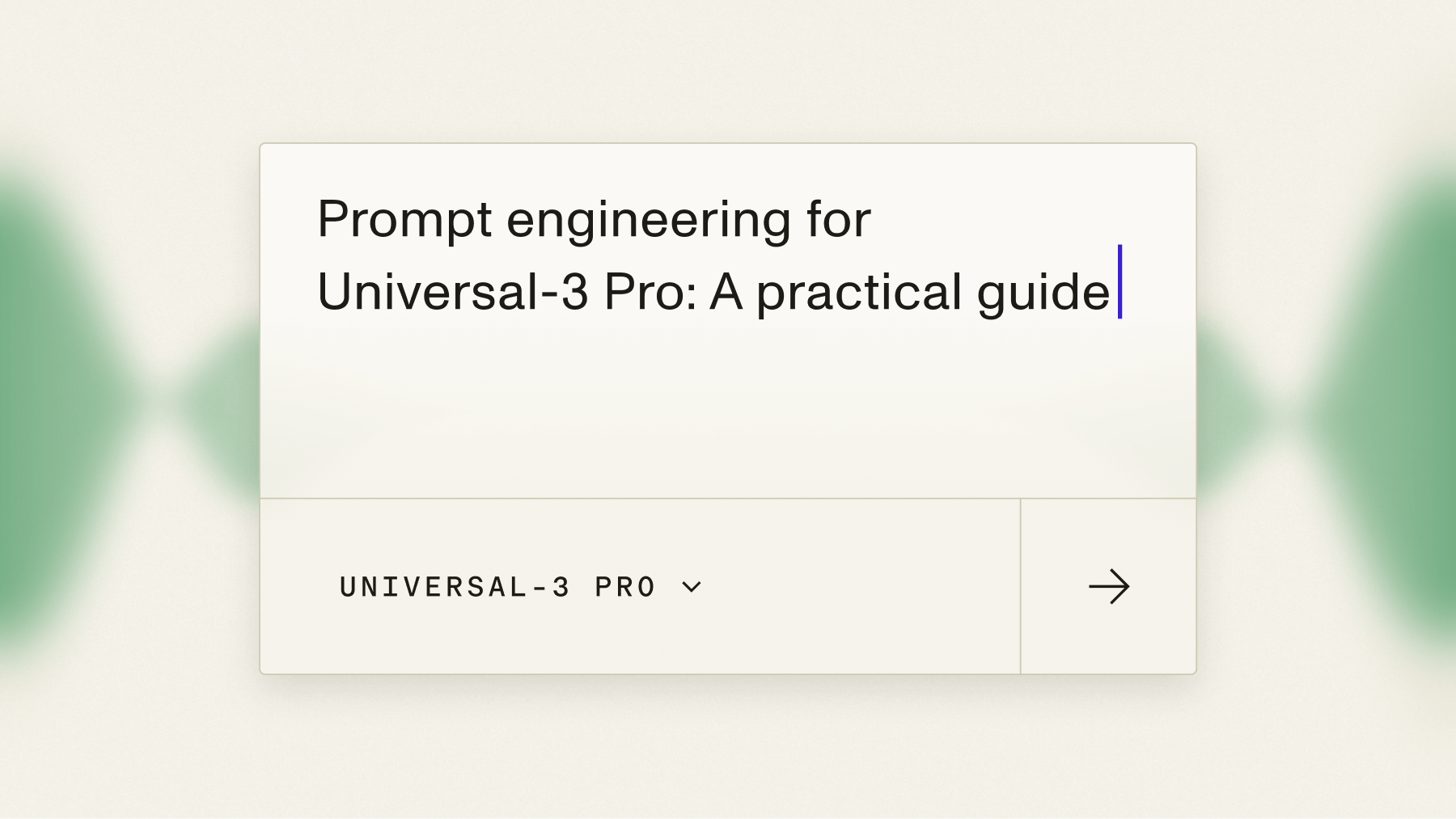

The market believes you can't prompt a streaming speech-to-text model. Our benchmarks prove you can — and that it's the single biggest accuracy lever available to voice-agent builders. Passing conversation context into Universal-3.5 Pro Realtime cut word error rate by 10.2% across 20,000 voice-agent audio files. This guide shows you how to do it.
This is the real-time / streaming prompting guide. If you're transcribing pre-recorded files instead, you want prompt and keyterms_prompt on the async model — covered in the async speech-to-text prompting guide. The async-vs-streaming split matters, so there's a callout on it below.
Why streaming prompting is different
On pre-recorded audio you have the whole file, so you can describe it once up front. In a live conversation there is no file yet — just a turn, then another turn. Context has to arrive incrementally, in step with the dialogue. That's what agent_context and Context Carryover are built for, and it's why they only exist on the streaming model.
- agent_context — what your agent just said or is about to ask. Seed it at connection time, then refresh it after every agent reply. When the model knows the agent just asked "What's your email address?", it transcribes the reply as an email instead of guessing at a string of ambiguous phonemes.
- Context Carryover — rolling memory of the conversation, on by default. Prior finalized user turns carry forward automatically (default 5 entries, capped at 1,750 characters), so each new turn is transcribed with the conversation so far as context.
Both are available on Universal-3.5 Pro Realtime only. Both stack with keyterms — they don't conflict.
Prompting a live stream, step by step
Here's the streaming client in Python (SDK v3). Note the singular speech_model — that's the streaming convention, as opposed to the plural speech_models on async. Seed agent_context at connect, then push a new value after each agent reply with update_configuration:
import os
from assemblyai.streaming.v3 import (
    StreamingClient, StreamingClientOptions, StreamingEvents,
    StreamingParameters, TurnEvent,
)

def on_turn(_, event: TurnEvent):
    tag = "FINAL" if event.end_of_turn else "partial"
    print(f"{tag}: {event.transcript}")

client = StreamingClient(StreamingClientOptions(api_key=os.environ["ASSEMBLYAI_API_KEY"]))
client.on(StreamingEvents.Turn, on_turn)

client.connect(StreamingParameters(
    sample_rate=16000,
    speech_model="universal-3-5-pro",
    agent_context="What's your email address?",
))

# feed 16kHz mono PCM16 chunks (50-1000ms) via client.stream(chunk)

# after each agent reply, update the context:
client.update_configuration(agent_context="Sure, what date would you like to book?")

client.disconnect(terminate=True)  # ALWAYS terminate the session
If you're closer to the metal, here's the same flow over a raw WebSocket. The v3 URL is the only correct one — the old /v2/realtime/ws is inactive — and the auth header is your raw key, no Bearer:
import asyncio, json, os, websockets

URL = "wss://streaming.assemblyai.com/v3/ws?sample_rate=16000&speech_model=universal-3-5-pro"

async def run(audio_source):
    async with websockets.connect(
        URL, additional_headers={"Authorization": os.environ["ASSEMBLYAI_API_KEY"]}
    ) as ws:
        # update context mid-stream after an agent reply:
        await ws.send(json.dumps({"type": "UpdateConfiguration", "agent_context": "..."}))

        async def send_audio():
            async for chunk in audio_source:
                await ws.send(chunk)
            await ws.send(json.dumps({"type": "Terminate"}))  # required

        async def recv_loop():
            async for raw in ws:
                msg = json.loads(raw)
                if msg["type"] == "Turn":
                    print(("FINAL" if msg["end_of_turn"] else "partial") + ": " + msg["transcript"])
                elif msg["type"] == "Termination":
                    return

        await asyncio.gather(send_audio(), recv_loop())
Two things you cannot skip. Audio must be 16kHz mono PCM16, sent as binary frames of 50–1000ms and no faster than real time. And you must always terminate the session — disconnect(terminate=True) in the SDK, or a {"type":"Terminate"} message on the raw socket. Leaving sessions open is the most common streaming bug we see.
How much does prompting improve voice-agent accuracy?
The headline number is a 10.2% WER reduction from agent_context, measured across 20,000 real voice-agent files. That's before you add keyterms or Context Carryover. Layer in domain context and the gains compound: a 22% relative code-switching WER reduction with context, and roughly a 6% relative reduction on accented English versus the previous generation.
This is why Universal-3.5 Pro Realtime is the only model inside Coval's independent "Human Parity Zone" — 3.40% WER at ~110ms p50 time-to-final-segment — and posts 6.99% WER on the Pipecat open voice-agent benchmark, against 15.58% for Deepgram Flux and 9.76% for ElevenLabs Scribe v2. Full detail lives in the Human Parity Zone writeup and the independent benchmarks.
Async vs streaming prompting: pick your surface
The tools differ by whether you have a file or a stream:
- Streaming (this guide): live conversation, no complete file. Prompt turn by turn with agent_context plus Context Carryover on Universal-3.5 Pro Realtime.
- Async / pre-recorded: you have the whole file. Use prompt (natural-language context) and keyterms_prompt (exact spellings) — they're complementary, not mutually exclusive. See the async prompting guide.
Prompting for specialized domains
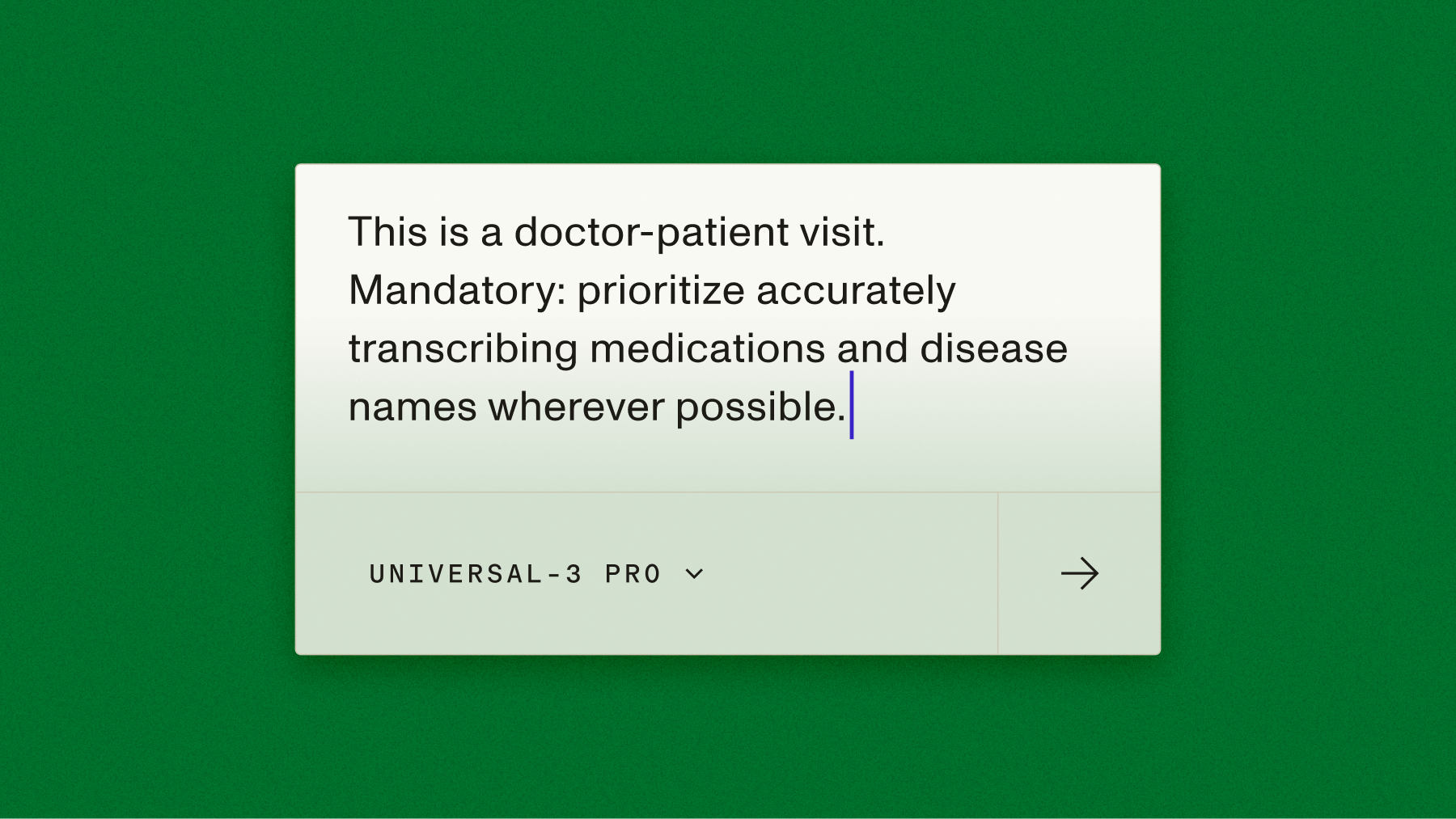
The same technique carries into vertical audio. In medical voice applications, contextual prompting cut the rate of missed clinical terms by 31% — which is why healthcare-AI platforms build on it. Commure, which builds ambient clinical documentation, is one. As Commure tech lead Gautam Pradeep puts it: "We've integrated the newest models from AssemblyAI for pre-recorded audio ASR in our ambient product, and it's been excellent. We're now exploring Universal-3.5 Pro for async and realtime speech-to-text capabilities for new use cases. What's been just as important is the reliability of the platform itself—both technically and in terms of partnership." Sales-coaching and contact-center builders like Rilla lean on the same technique to keep product names and account terminology accurate in the middle of fast, overlapping speech. For the managed path — STT, LLM, and TTS behind one WebSocket — the Voice Agent API runs on this same real-time foundation, and the build guide walks through it.
Build with it
Talk to a live agent to hear real-time prompting in action, then get your free API key and wire agent_context into your own stream. Want the accuracy receipts first? See the benchmarks.
Frequently asked questions
Can you actually prompt a real-time speech-to-text model?
Yes. AssemblyAI is first to market with contextual prompting on streaming. Seed agent_context at connection time and refresh it mid-stream via UpdateConfiguration; rolling Context Carryover keeps prior turns in context automatically.
How much does agent_context improve accuracy?
It cut word error rate by 10.2% across 20,000 voice-agent files — before adding keyterms or domain context, which compound the gains further.
How is agent_context different from keyterms?
agent_context is natural-language context about the conversation — what the agent just said. Keyterms are an explicit list of terms to spell exactly. They stack and don't conflict; use both.
How do I send updated context mid-conversation?
Call update_configuration(agent_context="…") in the SDK, or send {"type":"UpdateConfiguration","agent_context":"…"} on the raw v3 WebSocket at wss://streaming.assemblyai.com/v3/ws. Do this after each agent reply.
Which model supports streaming prompting?
Universal-3.5 Pro Realtime only. It's the streaming flagship and the speech foundation under the Voice Agent API, priced from $0.45/hr base.
Do I need to close streaming sessions explicitly?
Yes — always terminate. Use disconnect(terminate=True) in the SDK or send a Terminate message on a raw socket. Un-terminated sessions are the most common streaming mistake.
Lorem ipsum dolor sit amet, consectetur adipiscing elit, sed do eiusmod tempor incididunt ut labore et dolore magna aliqua. Ut enim ad minim veniam, quis nostrud exercitation ullamco laboris nisi ut aliquip ex ea commodo consequat. Duis aute irure dolor in reprehenderit in voluptate velit esse cillum dolore eu fugiat nulla pariatur.
Related posts

.png)