Real-time speaker diarization with Universal-3 Pro Streaming
Real-time speaker diarization labels who spoke when in live audio streams. Learn how streaming diarization works, latency trade-offs, and setup tips.



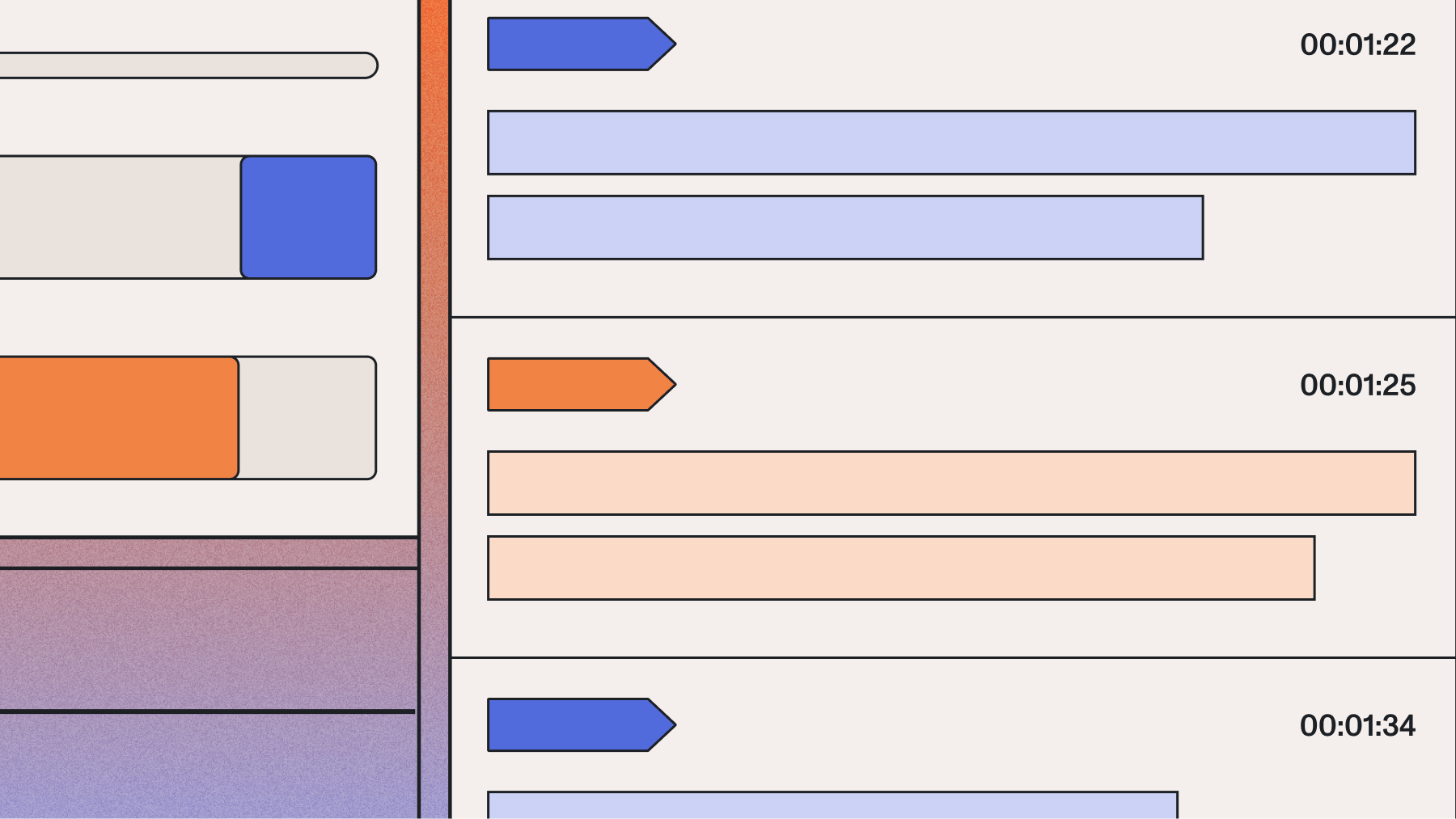
Real-time speaker diarization identifies "who spoke when" in live audio streams, assigning speaker labels like SPEAKER_A and SPEAKER_B as conversations unfold. Unlike batch processing that analyzes complete recordings, streaming diarization makes immediate, irreversible decisions about speaker identity with only partial conversation context. This technology prevents AI voice agents from responding to their own output and enables live meeting transcription to display speaker attribution during conversations.
Understanding real-time speaker diarization matters because it unlocks applications that require immediate speaker identification. Voice agents need to distinguish between user speech and their own TTS output to prevent response loops. Contact center supervisors need live speaker labels for real-time coaching. The accuracy trade-offs and architectural constraints of streaming processing directly impact how you design and optimize voice-enabled applications.
What is real-time speaker diarization?
Real-time speaker diarization is a technology that automatically identifies and labels different speakers in audio as it streams. The system assigns generic speaker labels like SPEAKER_A and SPEAKER_B to distinguish voices without necessarily knowing the speakers' actual identities.
This means you get immediate speaker identification during live conversations rather than waiting for complete recordings. The technology processes each turn of speech immediately, enabling applications like voice agents to know who's speaking before generating a response.
The key difference from batch processing is the no back-patching rule. Once you assign a speaker label to a speech segment in streaming mode, that assignment is final. Batch diarization can revise its entire speaker assignment after analyzing the complete recording, but streaming must commit to each decision as it's made.
The accuracy gap between streaming and batch isn't a flaw—it's physics. Streaming operates with only past audio context while batch uses the full recording. This is why batch processing achieves higher accuracy on the same audio, particularly for challenging scenarios with overlapping speech or similar voices.
How does real-time speaker diarization work?
Real-time speaker diarization follows a three-stage pipeline that runs on top of speech recognition turn boundaries. The process works like this: first, the ASR model detects when a speaker completes a turn, then a speaker embedding is extracted for that turn's audio, and finally, online clustering assigns the embedding to a known speaker or creates a new speaker identity.
This tight coupling between ASR and diarization means that changes to turn detection parameters directly affect speaker attribution behavior. You're not processing arbitrary time windows—you're working with complete speech units.
Processing continuous audio streams
The streaming pipeline processes audio as complete ASR-detected turns, not fixed-length windows. When the turn detection mechanism identifies a turn boundary, that audio segment becomes the unit for speaker analysis. This turn-aligned chunking preserves speech unit integrity for accurate embedding extraction.
The system maintains a speaker embedding cache that grows throughout your session. Each completed turn adds an embedding to this store, building the "history" that enables consistent speaker identification.
Here's how the architectural constraints work:
- Turn-aligned processing: Audio segments match natural speech boundaries, not arbitrary time slices
- Backward-only context: The model can only reference past turns, never future audio
- Session start limitation: The first 1–2 turns lack sufficient cache history for reliable speaker assignment
- Joint optimization: Turn detection parameters are co-optimized with diarization accuracy
Identifying speakers in streaming audio
For each completed turn, the model extracts a fixed-dimensional speaker embedding—a numerical representation capturing the voice characteristics in that audio segment. This embedding gets compared against stored embeddings in the speaker cache using online clustering.
The embedding model itself is stateless. It produces the same output for identical audio regardless of session history. Only the clustering layer maintains state across the session, accumulating speaker profiles as more turns are processed.
Short utterances present a particular challenge. Turns shorter than approximately three words provide insufficient audio for reliable speaker embedding. Single-word responses like "yes" or "no" may receive a null speaker label.
Key characteristics of speaker identification:
- Minimum audio requirement: About 3 words per turn for reliable embedding extraction
- Label consistency: SPEAKER_A always refers to the same person within a session
- Arrival order assignment: First speaker to produce a turn becomes SPEAKER_A
- Overlapping speech handling: When speakers talk simultaneously, the turn is assigned to one speaker
Maintaining consistent speaker labels
The online clustering layer is the only stateful component in streaming diarization. It maintains speaker centroids that represent averaged embeddings for each identified speaker. As new turns arrive, the system updates these centroids and decides whether each embedding matches an existing speaker or represents a new voice.
Early misassignments when the cache is thin remain in the transcript. Accuracy builds over time rather than being uniformly distributed across the session.
Note that prompted speaker diarization with role labels like [Speaker:AGENT] is a feature of the asynchronous (pre-recorded) Universal-3 Pro model, not the streaming model. The Universal-3 Pro Streaming model (u3-rt-pro) focuses prompting guidance on turn detection and punctuation rather than speaker attribution via prompts.
Optimization strategies you can use:
- Set max_speakers accurately: Constraining the clustering search space improves accuracy
- Use prompted diarization: Role labels help with short interjections and single-word responses
- Handle speaker reentry: Long silences may cause the same speaker to receive a new label
- Plan for session evolution: Labels become more reliable as centroids accumulate data
Accuracy and latency trade-offs
Real-time speaker diarization faces a fundamental tension between processing speed and identification accuracy. You're making immediate decisions with incomplete information, which creates predictable trade-offs that vary by scenario.
The latency benchmark matters because human perception of awkward pause begins around 500ms. Modern streaming systems need to deliver speaker labels fast enough for natural conversational flow while maintaining usable accuracy.
Accuracy follows a predictable trajectory. It's lowest at session start when the speaker cache is thin, improves steadily over the first few turns, and stabilizes for long-form use cases. This pattern means you need to factor early-session uncertainty into your downstream processing logic.
The key insight is that streaming diarization prioritizes speed over perfect accuracy. If your application can wait for complete recordings, batch processing will give you better results. If you need immediate speaker identification, streaming provides the best available accuracy within real-time constraints.
When to use real-time speaker diarization
The decision between real-time and batch diarization depends on a simple question: do you need to act on speaker identity before the conversation ends? If yes, streaming is necessary despite its accuracy trade-offs. If no, batch processing delivers higher accuracy on the same audio.
Voice agents and conversational AI
Voice agents represent the most latency-sensitive use case for streaming diarization. Your application must distinguish between the user's voice and its own TTS output to prevent self-response loops. Real-time diarization solves this by providing per-turn speaker attribution fast enough for natural conversation.
Multi-party conversations add complexity. When three or more parties join a call—customer, agent, and supervisor—streaming diarization enables context-aware routing. Different speakers can trigger different workflows or receive different responses based on their identity.
Voice agent optimization approaches:
- Self-response prevention: Diarization stops the agent from responding to its own TTS output
- Multi-party routing: Set max_speakers to expected participant count for best accuracy
- Confirmation patterns: For critical data collection, prompt users to confirm extracted entities
Live meetings and broadcasting
Meeting transcription and live broadcasting share similar requirements: attendees or viewers need to see who said what as the conversation unfolds. A 30-second delay for batch processing would break the live experience.
For meetings with known participants, prompted diarization improves attribution from session start. Including hints like [Speaker:PRESENTER] or [Speaker:MODERATOR] in the prompt helps the model assign labels correctly without building profiles from scratch.
Broadcasting and live captioning need immediate speaker identification for accessibility. Speaker attribution helps viewers understand multi-host formats and panel discussions without confusion about who's talking.
Hybrid pattern recommendation: Use streaming diarization for the live experience, then run batch diarization on the recording for the official archived transcript. This approach balances real-time needs with accuracy requirements.
Final words
Real-time speaker diarization transforms live audio streams into speaker-labeled conversations by identifying "who spoke when" without waiting for recordings to end. The technology processes each speech turn immediately, assigning speaker labels like SPEAKER_A and SPEAKER_B through a pipeline that extracts voice embeddings and performs online clustering with only backward-looking context.
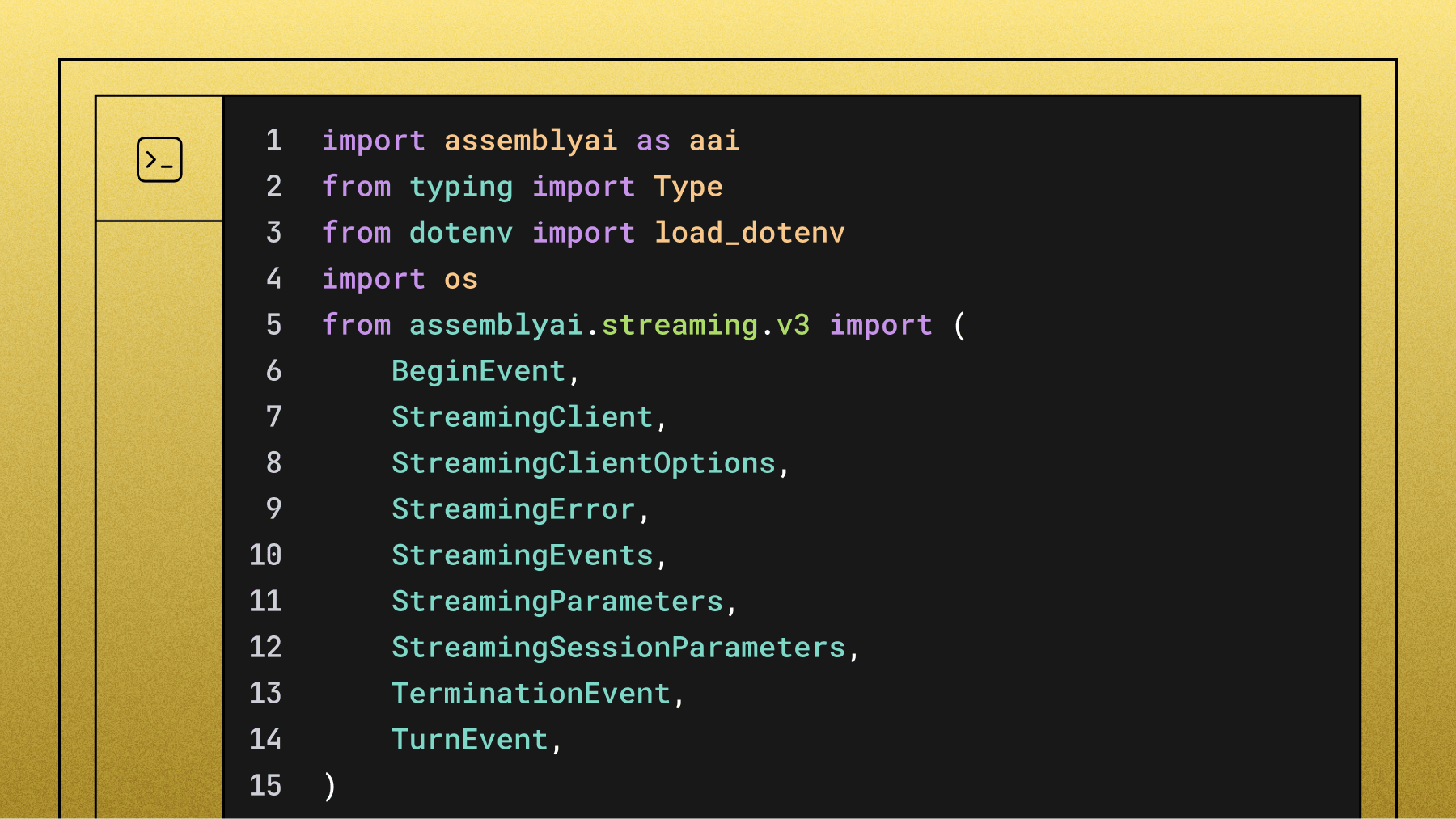
AssemblyAI's Universal-3 Pro Streaming model (u3-rt-pro) provides streaming speaker diarization through the combination of speech_model: 'u3-rt-pro' and speaker_labels: true parameters, currently in public beta. The system processes turn-aligned audio segments rather than arbitrary time windows, maintaining speaker consistency across sessions while handling the fundamental trade-off between real-time processing speed and batch-level accuracy.
Frequently asked questions
What's the difference between streaming and batch speaker diarization?
Streaming diarization processes audio continuously with only past-audio context, outputting final speaker labels per turn immediately with no revision. Batch diarization analyzes complete audio files after recording with full conversation context and can revise all speaker assignments globally, achieving higher accuracy.
How does streaming speaker diarization handle short utterances like "yes" or "no"?
Short utterances under about three words often receive null speaker labels because there's insufficient audio for reliable voice embedding extraction. Your application should handle null labels gracefully, especially during early session turns when the speaker cache is still building.
Can real-time speaker diarization identify overlapping speech from multiple speakers?
When speakers talk simultaneously, the system assigns the entire overlapping segment to one speaker rather than splitting it. Multi-channel audio with separate microphones per speaker is the most reliable way to handle overlapping speech scenarios.
How many speakers can streaming diarization identify in real-time?
Most streaming systems officially support up to 4 speakers with thoroughly tested performance. You can configure max_speakers from 1–10, and setting this parameter accurately when you know the speaker count improves clustering accuracy significantly.
Which languages work with real-time speaker diarization?
Streaming speaker diarization is language-agnostic because it operates on acoustic voice features rather than language-specific patterns. It works with multilingual models and can handle code-switching conversations, though specific language accuracy should be validated with your actual audio content.
Does setting max_speakers improve real-time diarization accuracy?
Yes, constraining the clustering search space by setting max_speakers to the expected participant count significantly improves accuracy. For 2-party calls, setting max_speakers: 2 prevents the model from splitting a single speaker into multiple identities.
What models does real-time diarization work with?
Real-time speaker diarization works across all AssemblyAI Speech AI models. For streaming, diarization is handled via multichannel audio—a separate stream per speaker. For pre-recorded audio, simply enable speaker_labels in your API request. No complex configuration required.
Lorem ipsum dolor sit amet, consectetur adipiscing elit, sed do eiusmod tempor incididunt ut labore et dolore magna aliqua. Ut enim ad minim veniam, quis nostrud exercitation ullamco laboris nisi ut aliquip ex ea commodo consequat. Duis aute irure dolor in reprehenderit in voluptate velit esse cillum dolore eu fugiat nulla pariatur.
Related posts