Are there language-specific models for better accuracy?
Speech to text accuracy depends on audio quality, accents, models, and setup. Learn how WER works and improve transcription results for real teams today.


Ask five speech vendors how accurate their models are and you'll get five numbers, all excellent, none comparable. Different datasets, different normalization, different definitions of what counts as a mistake.
So this post does something narrower: our published figures, how we compare on a third-party benchmark of real conversations, and what those numbers still can't tell you about your own audio.
How accurate is speech-to-text in 2026?
On our published benchmark datasets, Universal-3.5 Pro averages 4.35% normalized word error rate for pre-recorded audio, and Universal-3.5 Pro Realtime averages 5.53% WER for streaming. Full methodology and dataset breakdowns are on our benchmarks page.
Read those as a reference point, not a forecast. They describe performance on specific evaluated datasets, they aren't a service level commitment, and they say nothing about what a compressed drive-thru recording with three overlapping speakers will do. Nobody's benchmark does.
There's no universal cutoff that separates a usable transcript from an unusable one, either — the bar depends entirely on what you're doing with the text. Where you land depends far more on your audio and configuration than on which vendor you picked.
How is speech-to-text accuracy measured?
Word error rate is the default and it's the one everybody quotes. It's also the one that hides the most.
Word error rate
WER adds up substitutions, deletions, and insertions, then divides by the number of words in the reference transcript. A 5% WER means one word in twenty differs from the reference.
The problem is that WER treats every word as equally important — a dropped "the" and a wrong medication name score identically. Verbatim output gets punished against cleaned-up references, and the human-produced ground truth contains its own errors, which inflates every vendor's number in the same invisible way. We've argued at length that WER is broken as a comparison metric: useful for tracking a model against itself, weak for choosing between vendors.
cpWER: accuracy including who said it
Concatenated minimum-permutation word error rate scores the transcript and the speaker attribution as one thing. A model can't score well by transcribing words correctly while assigning them to the wrong person — which is exactly the failure diarization error rate lets through, because DER only measures speaker segmentation and ignores whether the words were right.
For anything conversational — calls, meetings, interviews — cpWER is the number that tracks whether the transcript is actually usable. Universal-3.5 Pro is optimized for cpWER rather than DER:
Missed Entity Rate
Missed Entity Rate counts how often the things your software reads — names, account numbers, addresses, medications, email addresses — go missing or come back wrong. It's the dimension WER misses entirely, because entities are a tiny fraction of total words and a rounding error in the overall score.
It's also the dimension that determines whether a workflow works. A summary survives a wrong word. A routing rule keyed on a customer ID does not.
How does AssemblyAI compare to other speech-to-text APIs?
Here's the Pipecat open STT benchmark, which evaluates streaming models on real voice agent conversations rather than curated read speech. Lower is better throughout. Model details are on our streaming product page, and the full benchmark methodology is on the benchmarks page linked above.
The entity rows are the interesting part. The word error rate gap between the top three models is real but modest. The entity gap is not — and entities are what a voice agent has to get right to book the appointment, look up the account, or read the address back correctly.
Every model in that table is a serious one, and benchmark standings move. If you're choosing for an agent stack, our guide to evaluating streaming APIs walks through running this comparison on your own conversations — the only version of it that binds.
Are there language-specific models for better accuracy?
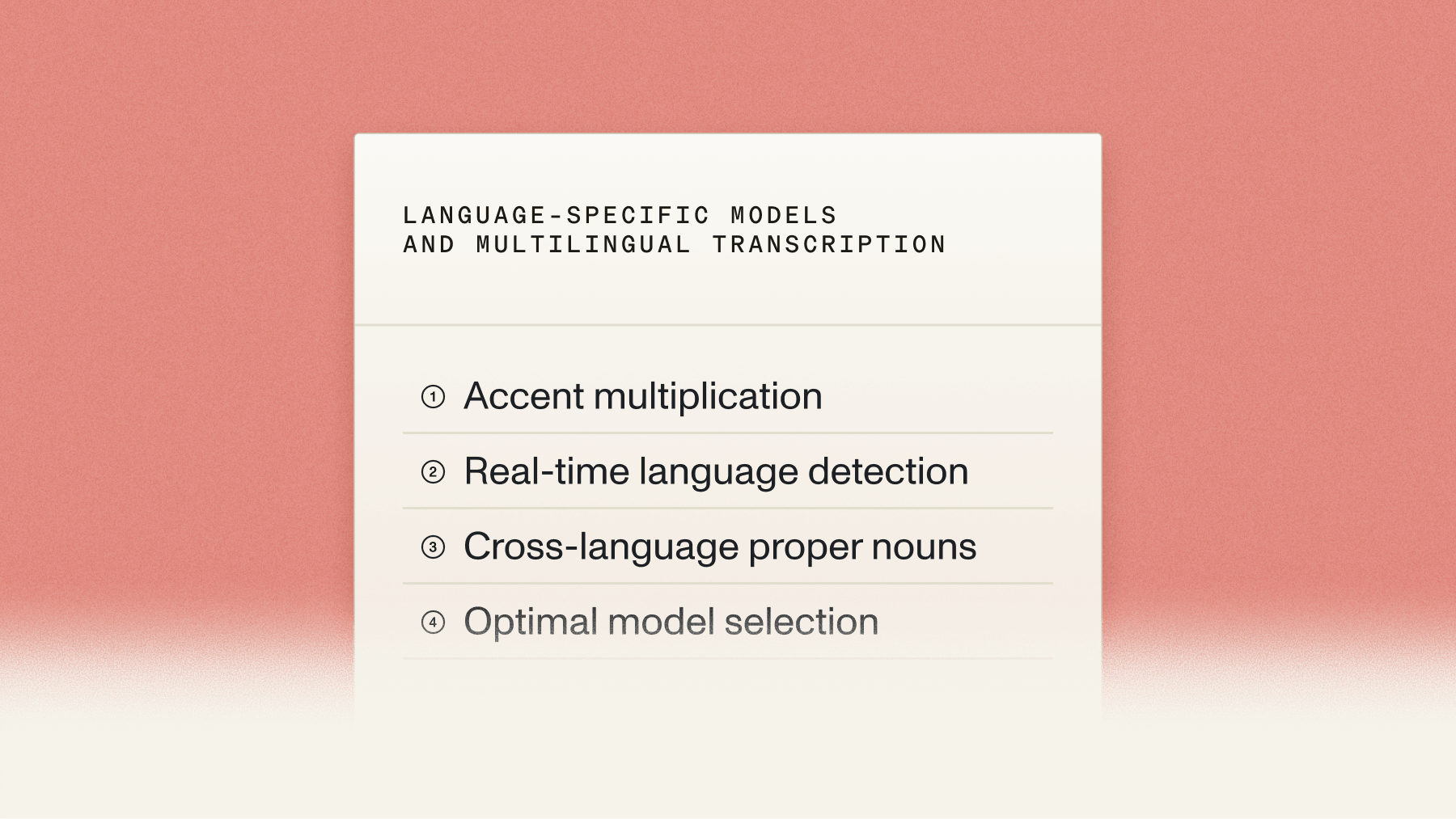
Not exactly — but there is a real tradeoff between per-language accuracy and breadth of coverage, and it's the main thing to get right when picking a model.
The 18 languages on the Universal Pro line are English, Spanish, French, German, Italian, Portuguese, Arabic, Danish, Dutch, Finnish, Hebrew, Hindi, Japanese, Mandarin, Norwegian, Swedish, Turkish, and Vietnamese. Pick Universal-3.5 Pro when your audio lives in that set. Pick Universal-2 when you need the long tail — and check which tier your language sits in before you promise anyone a quality bar.
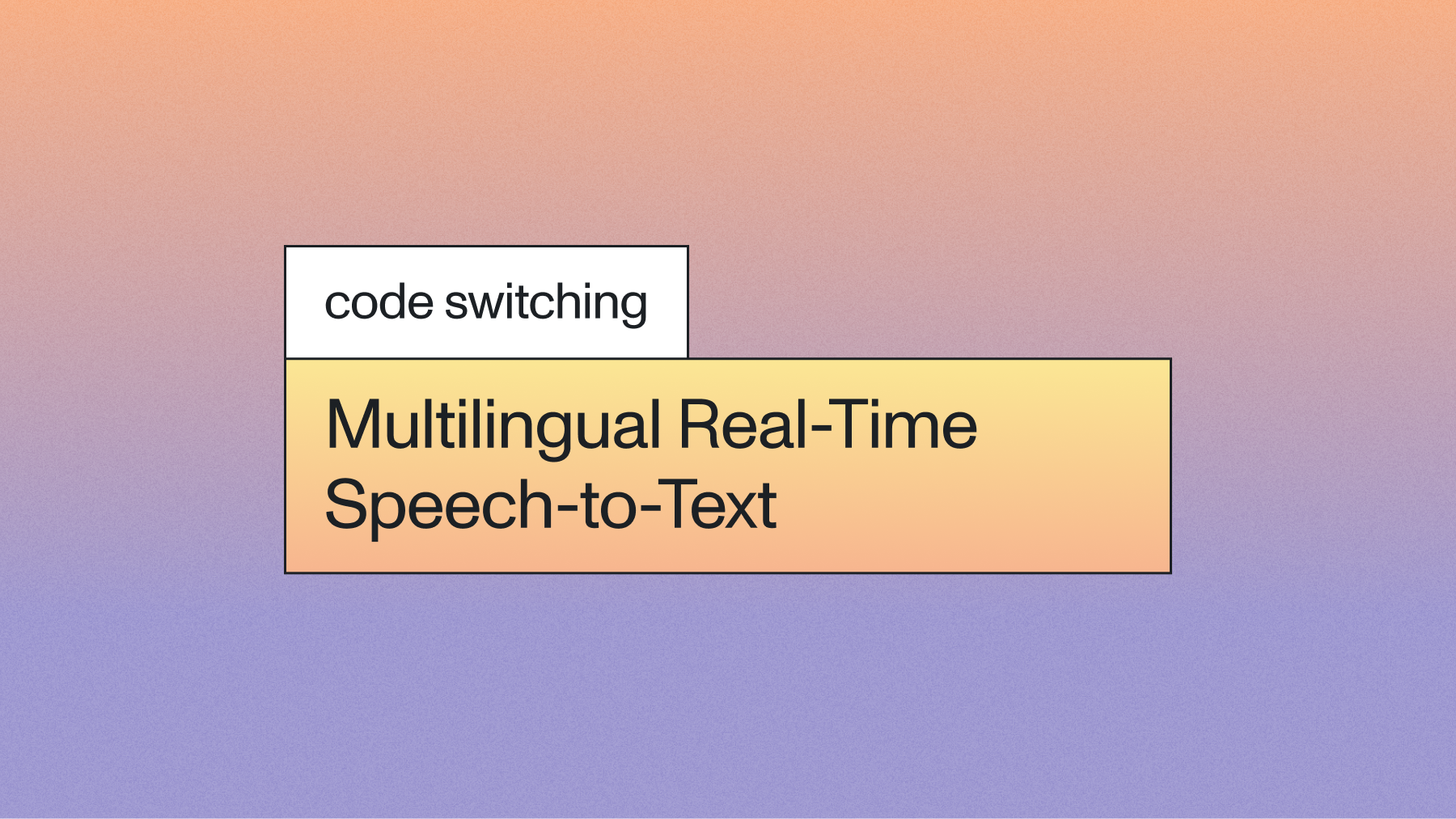
Code-switching is where the distinction gets sharp. A model that handles one language at a time will mangle a sentence that starts in Spanish and ends in English, which is how a great many real conversations are conducted. Universal-3.5 Pro handles the switch inside the sentence rather than detecting a language and committing to it. Current pricing for every model is on the pricing page.
Can you transcribe multi-speaker conversations accurately?
Yes, and it's a different problem from transcription accuracy — which is why a model can post a great WER and still produce a transcript nobody can use.
Speaker diarization on Universal-3.5 Pro works differently from the usual approach. Rather than transcribing first and then running a separate clustering pass to guess at speaker boundaries, the model produces the transcript and the speaker changes jointly. That's what lets it hold onto short turns, rapid back-and-forth, and overlapping speech — the moments where a two-stage pipeline merges two people into one label. On streaming, diarization with revision labels speakers live, then re-clusters and sends a single correction within roughly half a second of the stream ending, for up to 10 speakers.
Overlap is still hard. Two voices arriving on one channel at the same moment is a genuinely underdetermined problem and no model resolves it perfectly. If your recording setup can give each speaker their own channel, take that option — it beats every algorithmic fix available.
What actually moves accuracy on your audio
Three levers, in descending order of impact.
Context. Contextual prompting lets you prime the model with the domain and situation — a meeting agenda, participant names, the products and competitors likely to be mentioned. In internal healthcare testing, feeding a patient's prior-visit note cut missed medical terms by 31%. That's a bigger improvement than most model upgrades deliver.
Configuration matched to the use case. Set language_code explicitly when you know the language instead of relying on detection. Turn diarization on for multi-speaker audio. On streaming, use voice_focus — near-field for headsets and phones, far-field for rooms and kiosks.
The recording itself. Compression discards frequency range that no model recovers. Distance from the microphone raises the noise floor. This is the least glamorous lever and frequently the largest one.
Why any of this is worth the effort comes through most clearly from people running it in production. Dr. Shane Lynn, CEO of EdgeTier, puts the stakes better than a benchmark table can: "The transcript quality is critical, both for user perception and our AI models. Once you lose trust in transcript accuracy, you erode trust in the product. For text classification, phrase detection, and agent evaluation, the language has to be correct — otherwise, the whole system falls apart."
Pick the metric that matches your failure mode
The teams that get accuracy right don't chase the lowest WER. They work out which errors actually break their product, then optimize the metric that tracks those.
Building analytics over calls? cpWER, because attribution errors corrupt every downstream aggregate. Automating anything off structured values? Missed Entity Rate, because one wrong digit fails the whole transaction. Generating captions people read? Plain WER is fine, and so is a model a tier down.
That's the decision worth spending time on, and it's not one a vendor benchmark can make for you. More on the gap between a published score and a usable transcript in how accurate speech-to-text really is, and the speech-to-text product page lists what each model exposes.
Frequently asked questions
How accurate is AssemblyAI's speech-to-text?
Universal-3.5 Pro averages 4.35% normalized word error rate on our published pre-recorded benchmark datasets, and Universal-3.5 Pro Realtime averages 5.53% WER for streaming. On the Pipecat open benchmark of real voice agent conversations, Universal-3.5 Pro Realtime records 6.99% WER and 15.31% entity error rate. These are benchmark results on specific datasets, not a guarantee of performance on any particular audio.
AssemblyAI vs Speechmatics: which has better accuracy?
We don't publish a head-to-head against Speechmatics, so any number either of us quotes comes from a different dataset and a different normalization scheme and can't be compared directly. The honest answer is to run both on a sample of your own audio and score them against the same references. Weight the comparison toward the metric your product depends on — cpWER for multi-speaker conversations, Missed Entity Rate if your automation reads names or numbers.
AssemblyAI vs Microsoft Azure Speech-to-Text: accuracy comparison
Azure isn't in our published benchmark set, so we won't put a number on that comparison. What we'd suggest evaluating: performance on your specific languages, code-switching behavior if your audio mixes languages mid-sentence, entity accuracy on the names and identifiers your workflows read, and speaker attribution quality measured as cpWER rather than DER. Accented English in particular varies a lot between providers and is worth testing directly rather than inferring from an average.
Is it possible to transcribe multi-speaker conversations automatically?
Yes. Speaker diarization separates a conversation into labeled speaker turns automatically, with no need to declare who's on the recording in advance. Universal-3.5 Pro generates the transcript and the speaker changes together rather than in two passes, which is what keeps short turns and interruptions attached to the right speaker. Streaming diarization with revision handles up to 10 speakers and issues a corrected pass shortly after the stream closes.
How do speech services handle overlapping speech in transcripts?
Approaches vary, and the difference shows up in the results. Two-stage systems that transcribe first and cluster speakers afterward tend to collapse overlapping speech into a single speaker, because the clustering step never sees the ambiguity. A jointly trained model like Universal-3.5 Pro carries the overlap through to the attribution decision, which is why it scores better on cpWER. Overlap remains one of the genuinely hard cases in speech recognition — separate channels per speaker are still the most reliable fix.
Which speech-to-text API has the highest accuracy for technical terminology?
Any model will struggle with terminology it hasn't seen, so the deciding factor is usually how well the API lets you supply that vocabulary rather than the base model's score. Keyterms prompting pins exact strings like product SKUs and drug names, and contextual prompting primes the model with domain background, which improves related terms you never explicitly listed. In our internal healthcare testing, supplying a patient's prior-visit note as context cut missed medical terms by 31% — a bigger gain than switching models typically produces.
Lorem ipsum dolor sit amet, consectetur adipiscing elit, sed do eiusmod tempor incididunt ut labore et dolore magna aliqua. Ut enim ad minim veniam, quis nostrud exercitation ullamco laboris nisi ut aliquip ex ea commodo consequat. Duis aute irure dolor in reprehenderit in voluptate velit esse cillum dolore eu fugiat nulla pariatur.
Related posts
.png)