How to evaluate and choose the best speech to text API for enterprises
What enterprise teams should verify before choosing a speech-to-text API: accuracy on real audio, SOC 2 and BAA coverage, EU data residency, concurrency, and true cost.

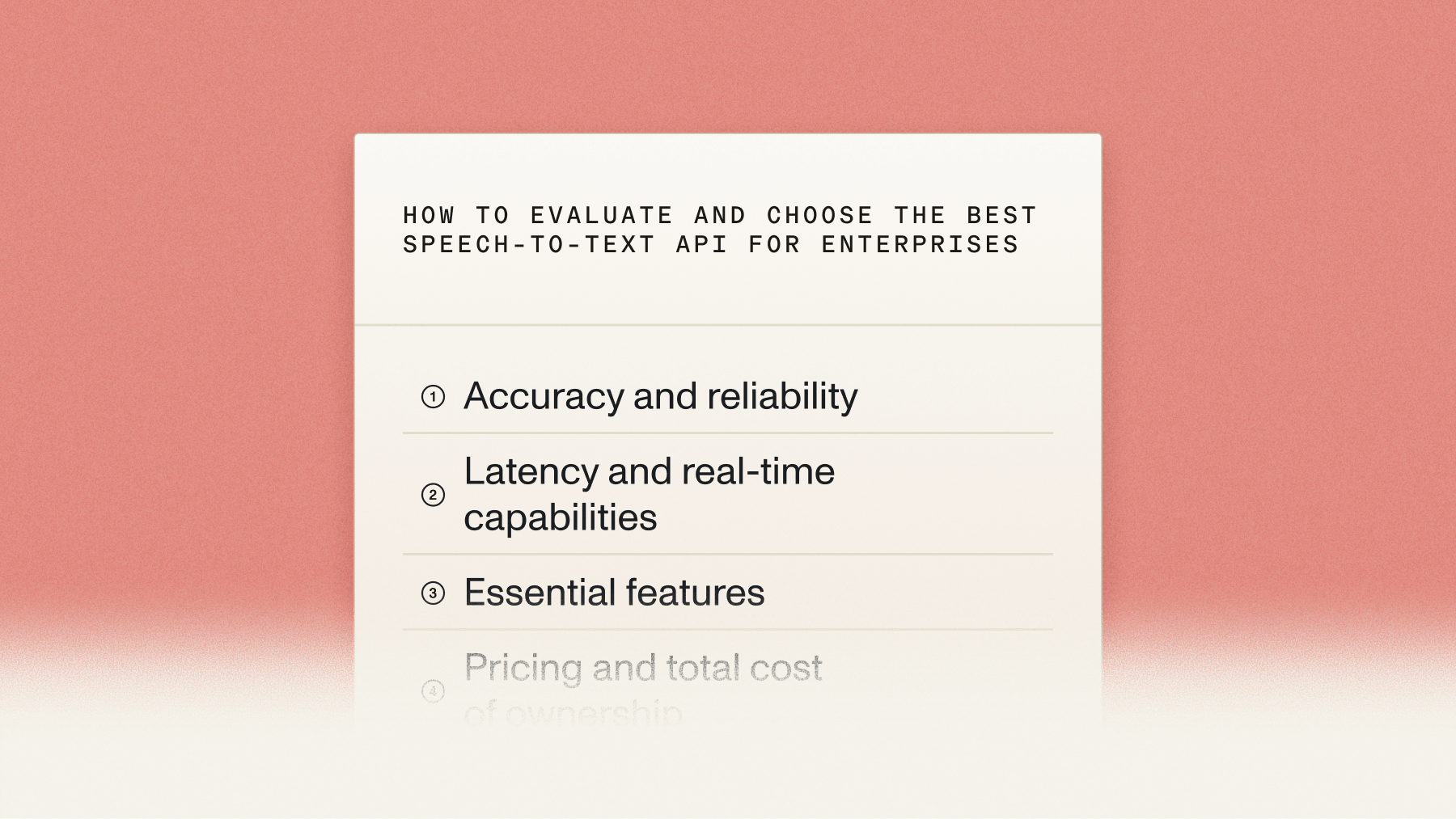

For enterprises, the best speech-to-text API is the one that pairs production-grade accuracy with the trust signals a security and procurement review demands: SOC 2 Type 2, a signable Business Associate Addendum (BAA) for healthcare data, EU data residency, proven scale with unlimited concurrency, and transparent pricing without forced contracts. Marketing claims and clean-audio demos don’t survive contact with real production traffic—so this guide gives enterprise teams a systematic way to evaluate any speech-to-text API against the criteria that determine whether a deployment scales or stalls.
You’ll learn how to test accuracy on your own audio conditions, compare pricing models including hidden costs, weigh latency for real-time versus batch workloads, evaluate enterprise features and compliance, and understand the implementation decisions that affect long-term flexibility. We also cover where the new Universal-3.5 Pro Realtime model fits for enterprise real-time workloads.
What is a speech-to-text API?
A speech-to-text API is a cloud service that converts audio into written text through simple web requests. You send audio to a server and receive a transcript—no need to build, train, or host speech recognition models yourself. The API handles the heavy computation on remote infrastructure, so your team doesn’t manage GPU clusters, model training, or scaling. You focus on the product while the provider handles accuracy, uptime, and infrastructure.
The business case is clearest against the build-it-yourself alternative. In-house speech recognition demands specialized AI expertise, significant compute, and months of development—while an API delivers enterprise-grade security, compliance, and support that would cost far more to replicate internally.
When to use an API vs. self-hosting
Most enterprises are best served by an API. Self-hosting makes sense only in narrow cases: legal requirements preventing cloud processing, extremely high and predictable volume (over a million hours monthly), dedicated AI engineering teams, or custom model-training needs. For everyone else, regional cloud deployments and EU data residency address data-sovereignty concerns without the infrastructure burden. (See open-source engines and self-hosting trade-offs for the full comparison.)
Enterprise trust signals: what to verify first
For enterprise buyers, compliance and reliability are filters, not features—they often eliminate vendors before accuracy testing even begins. Verify these up front:
How to evaluate speech-to-text APIs
Most evaluations fail because teams test with pristine sample audio instead of real-world conditions. Your production audio includes background noise, phone compression, accents, and interruptions that clean files don’t represent—and those factors dominate accuracy in ways that only surface after you’ve committed. Test with your actual audio from day one, and start with low-stakes live traffic to build real performance data before an enterprise-wide commitment. (For the full step-by-step, see how to choose the best speech-to-text API.)
Accuracy and reliability
Accuracy varies dramatically by audio condition—a provider that excels on clean studio recordings can struggle with compressed phone audio or strong accents. Word Error Rate is a baseline, but focus on semantic accuracy for your domain: can the model correctly transcribe your product names, medical terminology, and technical jargon? Note too that WER has known limits when models outperform the humans who wrote the reference—see why WER is broken and how to evaluate speech recognition models.
For pre-recorded audio, AssemblyAI’s Universal-3.5 Pro posts a mean English WER of 5.6% (median 4.9%) across 250+ hours, 80,000+ files, and 26 datasets, with best-in-class entity accuracy from its LLM-based decoder. In our benchmarks, Universal-3.5 Pro reduces hallucinations by 30% versus Whisper. The practical enterprise test: can your team spot accuracy differences side-by-side within minutes? If executives notice errors that fast, so will users.
Key factors that affect accuracy:
- Background noise: office environments, call centers, outdoor recordings.
- Audio compression: phone systems, video conferencing, file compression.
- Speaker variety: accents, speaking speed, native vs. non-native speakers.
- Domain vocabulary: technical terms, product names, industry language.
Latency and real-time capabilities
You have two options: streaming transcription that processes audio as it happens, or batch processing that handles complete files. Streaming powers real-time applications like live captions and voice agents; batch fits call analysis and documentation. Providers measure latency differently (time-to-first-word vs. full-utterance time), so test in your own environment.
For enterprise real-time workloads—contact centers, voice agents, live transcription at global scale—AssemblyAI’s recommended model is Universal-3.5 Pro Realtime, the highest real-time accuracy we’ve shipped. Its enterprise-relevant strengths:
- 19-language global coverage with mid-sentence code-switching—critical for multinational contact centers and global products.
- Context Carryover: the model interprets each turn in the context of prior turns in the conversation, reducing utterance error rate in real-world dialogue. AssemblyAI is first to market with this capability for streaming STT.
- Three configurable modes—min latency, balanced (default), and max accuracy—so each workload tunes the latency/accuracy trade-off (max accuracy for noisy ordering or compliance-sensitive calls; min latency for responsive agents).
- Voice Focus mode: noise cancellation that isolates the primary speaker for cleaner transcription in noisy environments like call-center floors.
It connects at wss://streaming.assemblyai.com/v3/ws. (The earlier Universal-3 Pro Streaming model is still available; Universal-3.5 Pro Realtime is the newer, more accurate option.)
Essential features to evaluate
Beyond core transcription, enterprise APIs offer features that consolidate your pipeline. Speaker diarization identifies who said what; language detection handles multilingual audio. Custom-vocabulary support varies widely—some providers allow rich natural-language prompting (AssemblyAI supports up to 1,500 words of context), others limit you to keyword lists.
- Speaker diarization: included in base pricing vs. add-on.
- Language support: auto-detection capabilities and accuracy.
- Custom prompting: word limits and context depth.
- Speech Understanding: sentiment analysis, entity detection, summarization, topic detection.
- Guardrails: PII redaction and content filtering.
- Output formatting: punctuation, casing, timestamp precision.
Speech Understanding features like sentiment analysis and entity detection can eliminate separate processing steps. Confirm which are included at base rates versus per-minute surcharges that compound at enterprise scale.
Pricing and total cost of ownership
Per-minute pricing tells only part of the story. Factor in volume discounts, commitment requirements, integration engineering, and the cost of correcting accuracy errors. The best providers publish transparent, per-second pricing with no minimums and apply volume pricing without forcing annual contracts. AssemblyAI’s public rates:
EU data residency is the same price as US. See the full pricing page.
Comparing speech-to-text API providers
AssemblyAI
AssemblyAI leads on accuracy for challenging audio, particularly with its Universal-3.5 Pro models, and includes speaker diarization, Speech Understanding, and Guardrails (PII redaction) at base rates—no surprise add-ons. Its prompting capability accepts up to 1,500 words of natural-language context, beating simple keyword lists for domain accuracy. For enterprises, forward-deployed engineers act as an extension of your team, and the compliance posture covers SOC 2 Type 2, GDPR with Data Processing Agreements, EU data residency, and a signable BAA for healthcare data.
Key strengths: industry-leading accuracy on hard audio; comprehensive features at base pricing; rich prompting; strong enterprise compliance and data controls; unlimited concurrency at scale; dedicated forward-deployed engineering support.
Google Cloud Speech-to-Text
Strongest if you’re already on Google Cloud Platform, with broad language support and unified billing. But speaker diarization costs extra, pricing gets complex at high volume, and it’s better suited to batch than to real-time voice agents.
AWS Transcribe
Tight integration with the AWS ecosystem and specialized features like medical vocabulary via AWS HealthScribe. Volume discounts favor existing AWS enterprise agreements, but accuracy limits show on challenging audio—noise, accents, and compressed phone calls produce more errors than clean benchmarks suggest.
Azure Speech Service
Deep integration with Office 365 and Azure, with Custom Speech for domain fine-tuning. The learning curve is steeper than API-first providers and pricing can get complex; it fits best when Microsoft-ecosystem integration is the priority.
Try AssemblyAI free—$50 in credits, no contract, set up in minutes.
Technical implementation considerations
Real-time vs. batch transcription
Streaming enables real-time applications; batch fits post-call analysis and document creation. The choice affects architecture and compliance—EU data-residency requirements may constrain streaming options. Hybrid approaches often work best: process in real-time for immediate feedback, then reprocess in batch for higher-accuracy analytics and permanent records.
Integration complexity and patterns
Build a thin abstraction layer over your speech-to-text API from the start. This lets you A/B test or switch providers in days rather than re-architecting. Common patterns include direct HTTP for simple apps, job queues for batch at scale, and WebSocket connections for real-time streaming. SDK quality and documentation depth materially affect your timeline.
Security and compliance requirements
Enterprise security reviews go beyond encryption—expect questions on subprocessors, international data transfer, retention, audit logging, and training-data handling.
- SOC 2 Type 2: operational security controls and annual audits.
- GDPR compliance: EU data protection with Data Processing Agreements.
- BAA for healthcare: a signable Business Associate Addendum for PHI workloads.
- EU data residency: regional processing and storage.
- Zero data retention & training opt-out: required for many financial and legal applications.
Run compliance review early—it’s a logical first filter before accuracy testing.
Final words
Enterprise speech-to-text selection comes down to two things working together: production-grade accuracy on your real audio, and the trust signals procurement requires—SOC 2, a signable BAA, EU data residency, proven scale, and transparent pricing. Build provider abstraction into your architecture for flexibility, run security due diligence first, and benchmark finalists on your worst-case audio. AssemblyAI brings accuracy leadership on challenging audio, features at base rates, Universal-3.5 Pro Realtime for global real-time workloads, and forward-deployed engineering to help your team scale.
Frequently asked questions
What is the best speech-to-text API for enterprises?
The best enterprise speech-to-text API combines production-grade accuracy on your real audio with enterprise trust signals: SOC 2 Type 2, a signable BAA for healthcare data, EU data residency, proven scale with unlimited concurrency, and transparent pricing without forced contracts. Benchmark finalists on your own audio rather than relying on demos or public leaderboards.
How should I test speech-to-text API accuracy for my use case?
Use your actual production audio—same devices, background noise, and speaker demographics—rather than clean test files. Compare providers side-by-side on identical samples, focus on domain-specific vocabulary accuracy over headline WER, and include your worst-case scenarios.
Which compliance certifications matter most for enterprise speech-to-text?
SOC 2 Type 2 for operational security, GDPR compliance with Data Processing Agreements for EU operations, and a signable Business Associate Addendum (BAA) for healthcare data. Verify data-residency options and zero-retention capabilities for regulated industries before technical evaluation. AssemblyAI offers a BAA that can be signed in minutes without a sales call.
What’s the difference between streaming and batch speech-to-text processing?
Streaming processes audio in real time as it’s spoken—required for live captions and voice agents—while batch processes complete files after recording, typically returning results in 15–30% of the audio length. Pricing varies by model: for Universal-3.5 Pro, streaming costs roughly twice batch ($0.45/hr vs. $0.21/hr); for Universal-2, both are $0.15/hr.
Which AssemblyAI model is best for enterprise real-time workloads?
Universal-3.5 Pro Realtime, the highest real-time accuracy AssemblyAI has shipped. It offers 19-language global coverage with code-switching, Context Carryover (interpreting each turn in the context of prior turns), Voice Focus noise cancellation, and three configurable modes (min latency, balanced, max accuracy)—well suited to global contact centers and voice agents.
Can I switch speech-to-text providers after building my application?
It depends on your architecture. If you build a thin abstraction layer over the API, switching providers takes days; direct integrations require weeks of re-work including testing and compliance validation. Design for provider flexibility from the start.
Lorem ipsum dolor sit amet, consectetur adipiscing elit, sed do eiusmod tempor incididunt ut labore et dolore magna aliqua. Ut enim ad minim veniam, quis nostrud exercitation ullamco laboris nisi ut aliquip ex ea commodo consequat. Duis aute irure dolor in reprehenderit in voluptate velit esse cillum dolore eu fugiat nulla pariatur.